Can't find the right component?
Describe it and Shuffle AI builds it in seconds, ready to edit and export.
Browse 7,300+ ready-made Tailwind CSS components across 60 categories. Every variant is fully responsive – copy the code or customize it in the visual editor and export clean code.
Create a free account to copy production-ready code from every component in the library.
Free account · No credit card · No password needed
Already have an account? Sign in
Components are just the start. See how a project goes from prompt to production‑ready code with Shuffle.
A horizontal white notification banner showing a green checkmark, bold 'Notification success!' heading, and supporting text 'Lorem ipsum dolor sit amet.' with a close (X) icon on the right. It conveys a successful status message in a single row.
Create a free account to copy production-ready code from every component in the library.
Free account · No credit card · No password needed
Already have an account? Sign in
Components are just the start. See how a project goes from prompt to production‑ready code with Shuffle.
Create a free account to copy production-ready code from every component in the library.
Free account · No credit card · No password needed
Already have an account? Sign in
Components are just the start. See how a project goes from prompt to production‑ready code with Shuffle.
Create a free account to copy production-ready code from every component in the library.
Free account · No credit card · No password needed
Already have an account? Sign in
Components are just the start. See how a project goes from prompt to production‑ready code with Shuffle.
A centered website footer showing the Flex logo, a horizontal row of navigation links (Product, Features, Pricing, Resources, Careers, Help, Privacy), a divider line, and a copyright notice. The layout is simple and stacked vertically on a light background.
Create a free account to copy production-ready code from every component in the library.
Free account · No credit card · No password needed
Already have an account? Sign in
Components are just the start. See how a project goes from prompt to production‑ready code with Shuffle.
Create a free account to copy production-ready code from every component in the library.
Free account · No credit card · No password needed
Already have an account? Sign in
Components are just the start. See how a project goes from prompt to production‑ready code with Shuffle.
Create a free account to copy production-ready code from every component in the library.
Free account · No credit card · No password needed
Already have an account? Sign in
Components are just the start. See how a project goes from prompt to production‑ready code with Shuffle.
Create a free account to copy production-ready code from every component in the library.
Free account · No credit card · No password needed
Already have an account? Sign in
Components are just the start. See how a project goes from prompt to production‑ready code with Shuffle.
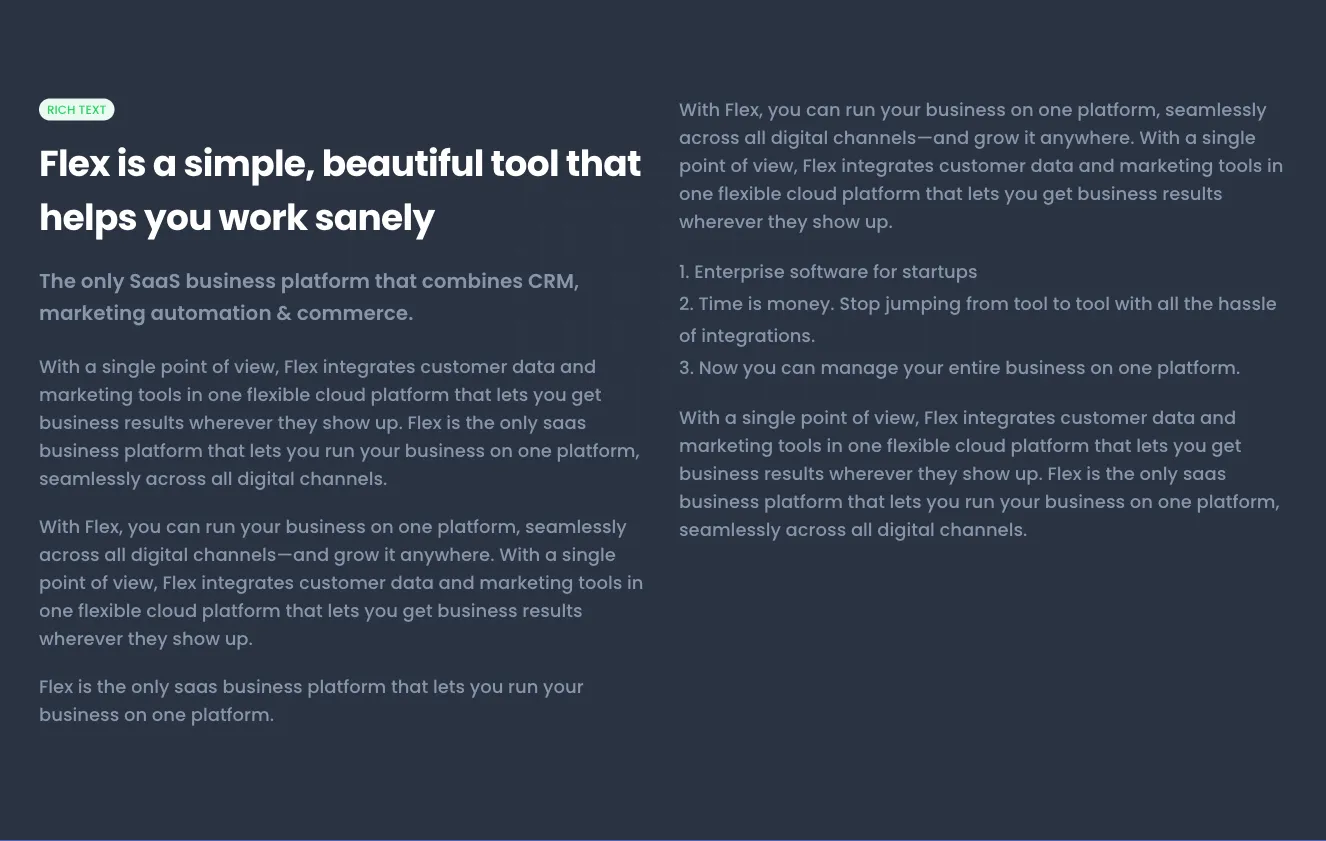
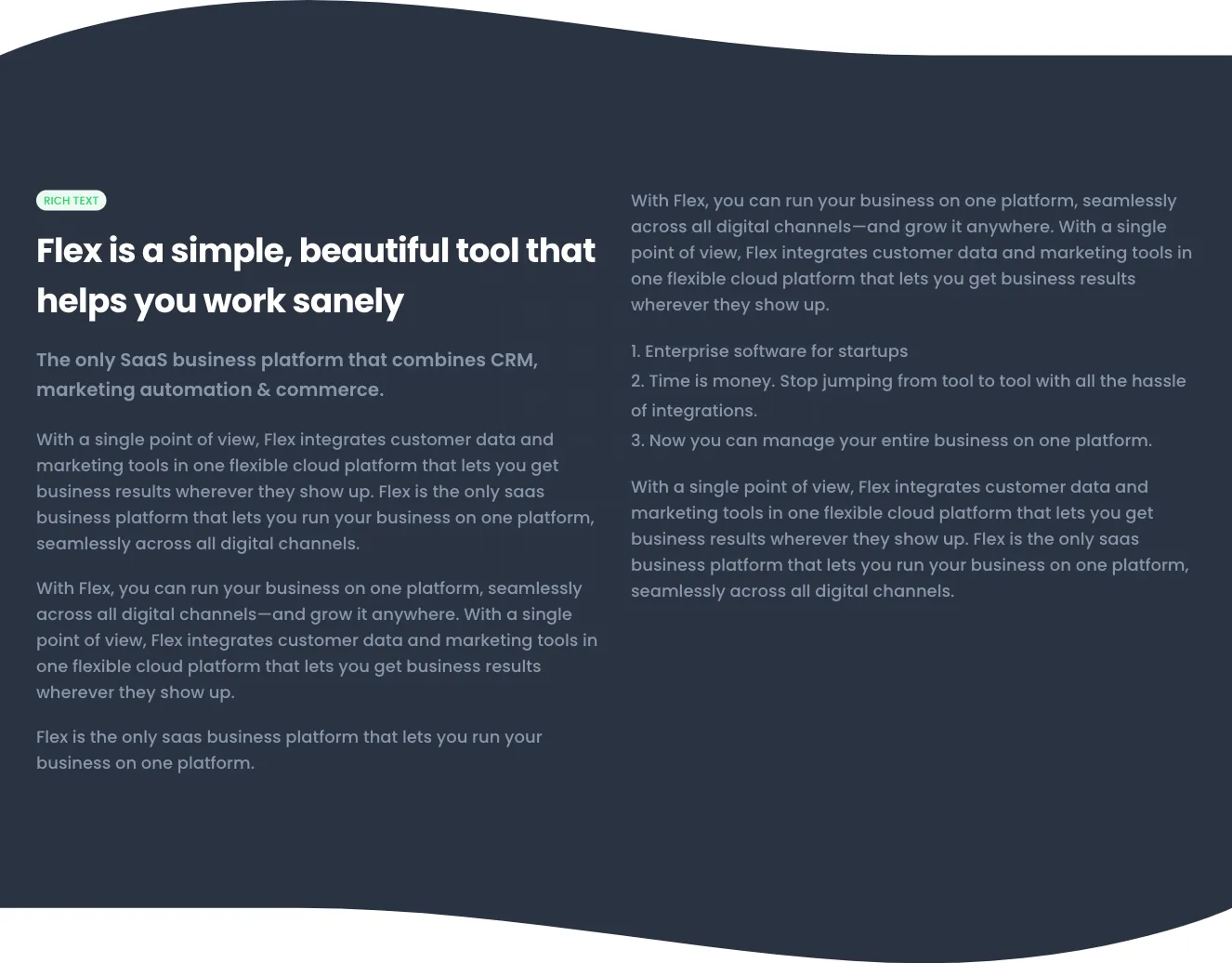
A light-background rich text section with a small green 'RICH TEXT' label, a bold heading, a subheading, and body paragraphs split across two columns. It presents text-only product messaging for a SaaS business platform with no images, buttons, or interactive controls visible.
Create a free account to copy production-ready code from every component in the library.
Free account · No credit card · No password needed
Already have an account? Sign in
Components are just the start. See how a project goes from prompt to production‑ready code with Shuffle.
Create a free account to copy production-ready code from every component in the library.
Free account · No credit card · No password needed
Already have an account? Sign in
Components are just the start. See how a project goes from prompt to production‑ready code with Shuffle.
A light gray footer section with a curved top edge, centered Flex logo, a horizontal row of navigation links (Product, Features, Pricing, Resources, Careers, Help, Privacy), a divider line, and a centered copyright notice. Layout is a centered vertical stack with no visible interactive states.
Create a free account to copy production-ready code from every component in the library.
Free account · No credit card · No password needed
Already have an account? Sign in
Components are just the start. See how a project goes from prompt to production‑ready code with Shuffle.
Create a free account to copy production-ready code from every component in the library.
Free account · No credit card · No password needed
Already have an account? Sign in
Components are just the start. See how a project goes from prompt to production‑ready code with Shuffle.
A white card titled Task distribution showing a blue pie chart split into Frontend, Backend, and Management segments with a legend below. A footer row displays two summary metrics: 1024 new tasks and 442 completed tasks.
Create a free account to copy production-ready code from every component in the library.
Free account · No credit card · No password needed
Already have an account? Sign in
Components are just the start. See how a project goes from prompt to production‑ready code with Shuffle.
Create a free account to copy production-ready code from every component in the library.
Free account · No credit card · No password needed
Already have an account? Sign in
Components are just the start. See how a project goes from prompt to production‑ready code with Shuffle.
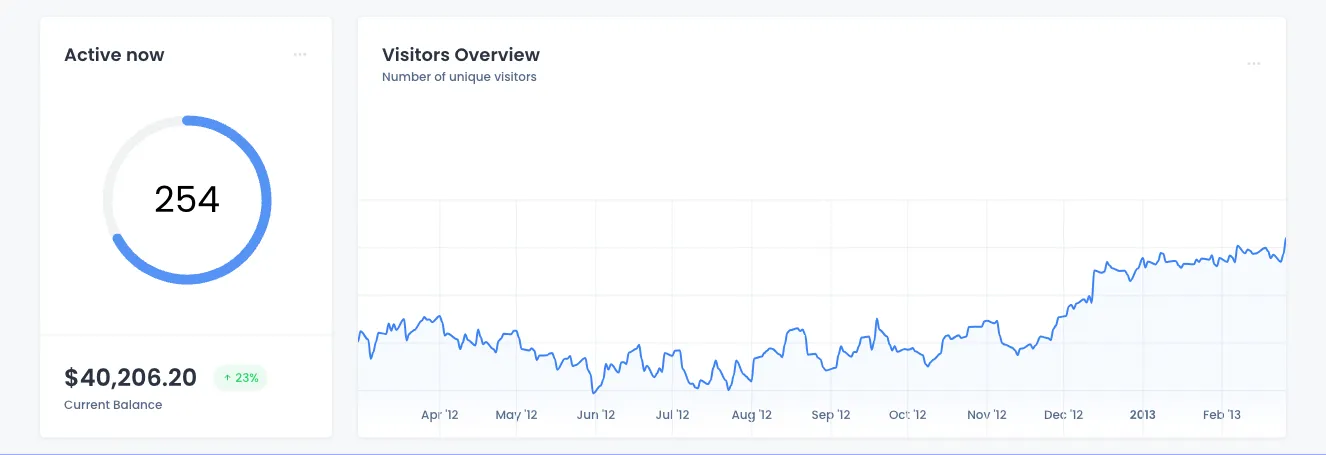
A dashboard section with two white cards on a light background: a left card showing a circular gauge of 254 active users and a current balance, and a right card with a line chart of unique visitors across months. The layout places a narrow stat card beside a wide chart card with minimal borders and subtle grid lines.
Create a free account to copy production-ready code from every component in the library.
Free account · No credit card · No password needed
Already have an account? Sign in
Components are just the start. See how a project goes from prompt to production‑ready code with Shuffle.
Create a free account to copy production-ready code from every component in the library.
Free account · No credit card · No password needed
Already have an account? Sign in
Components are just the start. See how a project goes from prompt to production‑ready code with Shuffle.
A centered marketing section headed 'Great work starts with your app' featuring a laptop mockup of a Flex analytics dashboard, followed by a short philosophy paragraph and Learn More and About Us buttons. The section uses decorative orange stripes and blue dot grids on a light background.
Create a free account to copy production-ready code from every component in the library.
Free account · No credit card · No password needed
Already have an account? Sign in
Components are just the start. See how a project goes from prompt to production‑ready code with Shuffle.
A full-page error state displaying an Error 404 badge, a bold 'Page not found' heading, supporting text, and two action buttons: a green primary button to return to the homepage and an outlined secondary Try Again button. Decorative colored line and dot patterns frame the corners on a light background.
Create a free account to copy production-ready code from every component in the library.
Free account · No credit card · No password needed
Already have an account? Sign in
Components are just the start. See how a project goes from prompt to production‑ready code with Shuffle.
Create a free account to copy production-ready code from every component in the library.
Free account · No credit card · No password needed
Already have an account? Sign in
Components are just the start. See how a project goes from prompt to production‑ready code with Shuffle.
A page header row showing a bold heading and short supporting text on the left, with three action buttons on the right: an outlined button, a green filled button, and a dark icon-only plus button. Simple, horizontal layout suited to dashboard or admin page headers.
Create a free account to copy production-ready code from every component in the library.
Free account · No credit card · No password needed
Already have an account? Sign in
Components are just the start. See how a project goes from prompt to production‑ready code with Shuffle.
How you’ll build with Shuffle.
© 2026 Shuffle. All rights reserved.
See what you're getting before you commit.
Switch the editor to Grid and every page of your project appears side by side on one canvas. Arrange them freely, zoom in and out, and add as many new pages as you need in a few clicks.
Describe what you need in one chat and the Agent does the rest: it adds new sections, edits copy and styles, moves blocks around or removes them across your whole page. No modes, no switching, just tell it what to change.
Not quite there yet? Ask for tweaks like missing assets, your logo or other details, and regenerate the design without starting from scratch.