Can't find the right component?
Describe it and Shuffle AI builds it in seconds, ready to edit and export.
Browse 212 ready-made Tailwind CSS how it works components from multiple UI libraries. Every variant is fully responsive – copy the code or customize it in the visual editor and export clean code.
Create a free account to copy production-ready code from every component in the library.
Free account · No credit card · No password needed
Already have an account? Sign in
Components are just the start. See how a project goes from prompt to production‑ready code with Shuffle.
A dark marketing section with a laptop code-editor photograph on the left and a large heading with four numbered text points in a two-column grid on the right. The layout is a split-screen feature section for describing product or service benefits.
Create a free account to copy production-ready code from every component in the library.
Free account · No credit card · No password needed
Already have an account? Sign in
Components are just the start. See how a project goes from prompt to production‑ready code with Shuffle.
A light marketing section with a bold heading and a horizontal row of four numbered steps connected by thin lines, each with brief supporting text. Step 2 is highlighted with a purple gradient circle while the others use pale lavender.
Create a free account to copy production-ready code from every component in the library.
Free account · No credit card · No password needed
Already have an account? Sign in
Components are just the start. See how a project goes from prompt to production‑ready code with Shuffle.
A dark marketing section titled "Three steps to get started" with three numbered steps on the left and a gradient-framed dashboard screenshot on the right, ending in a "Get Started Now" call-to-action button. The layout pairs a vertical step list with an illustrative product screenshot.
Create a free account to copy production-ready code from every component in the library.
Free account · No credit card · No password needed
Already have an account? Sign in
Components are just the start. See how a project goes from prompt to production‑ready code with Shuffle.
A marketing section headed by an eyebrow label and large question heading, followed by a full-width photographic background of a yoga mat with three overlapping white step cards numbered 1 to 3 for account creation, joining a room, and starting learning. The layout uses staggered card placement over a warm, blurred scene.
Create a free account to copy production-ready code from every component in the library.
Free account · No credit card · No password needed
Already have an account? Sign in
Components are just the start. See how a project goes from prompt to production‑ready code with Shuffle.
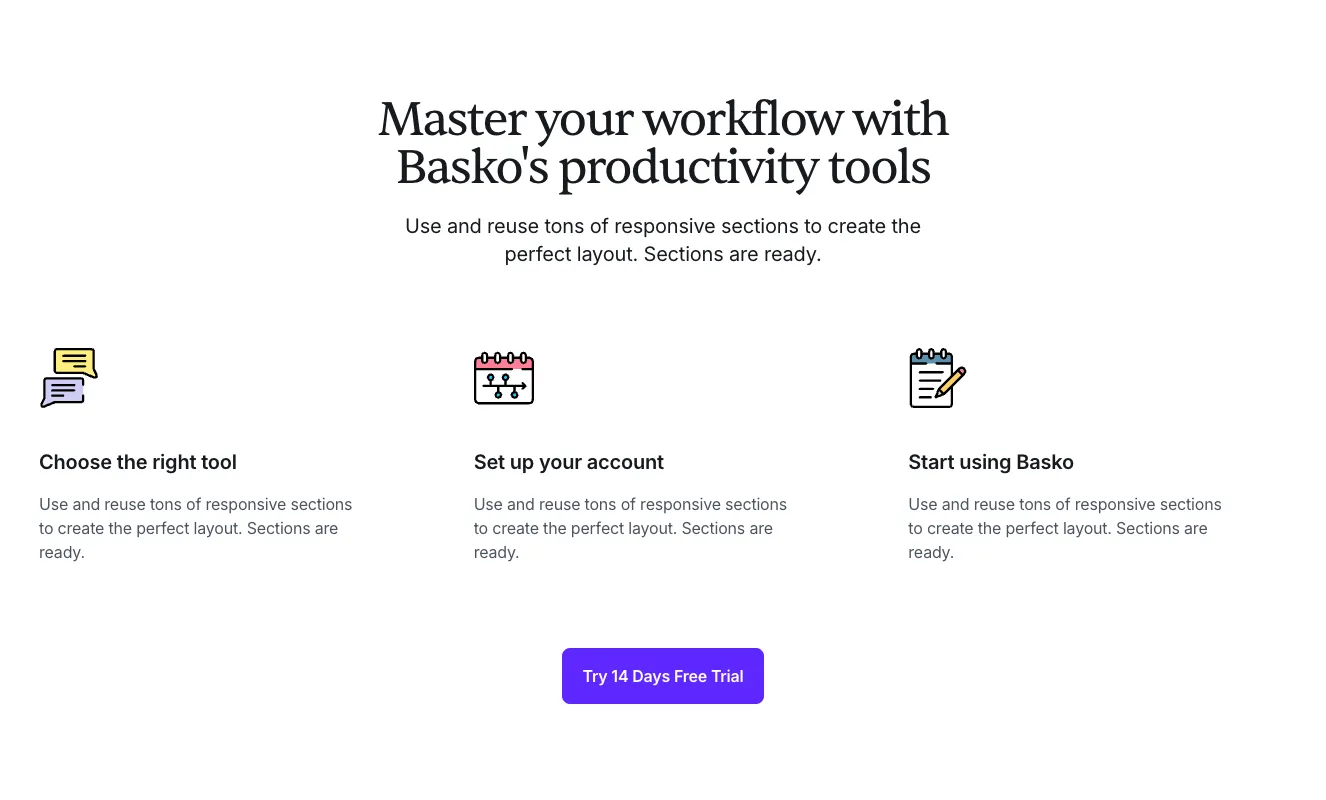
A centered marketing section with a serif headline, subtext, and three columns each showing an icon, bold heading, and body copy describing workflow steps. A purple call-to-action button labeled "Try 14 Days Free Trial" sits below the columns.
Create a free account to copy production-ready code from every component in the library.
Free account · No credit card · No password needed
Already have an account? Sign in
Components are just the start. See how a project goes from prompt to production‑ready code with Shuffle.
A dark rounded panel with a bold heading and a horizontal four-step process indicator (Connect, Store, Ship, Deliver), each with a numbered circle, connecting line, title, and short placeholder description. The second step is highlighted in blue to show the active stage.
Create a free account to copy production-ready code from every component in the library.
Free account · No credit card · No password needed
Already have an account? Sign in
Components are just the start. See how a project goes from prompt to production‑ready code with Shuffle.
A marketing feature section with a bold heading on the right and a two-column grid of four numbered items, each with a colored circle, subheading, and paragraph text. A smiling woman photo with light blue and orange geometric shapes sits on the left, with dashed decorative lines and a small chart icon.
Create a free account to copy production-ready code from every component in the library.
Free account · No credit card · No password needed
Already have an account? Sign in
Components are just the start. See how a project goes from prompt to production‑ready code with Shuffle.
A marketing hero section with a large left-aligned heading, short body text, and a purple Learn More button, paired on the right with a photograph overlaid by a floating app card showing a greeting and an add-avatar widget. The section is labeled with a small numbered 'Introduction' eyebrow and ends with a footer-style row of text links.
Create a free account to copy production-ready code from every component in the library.
Free account · No credit card · No password needed
Already have an account? Sign in
Components are just the start. See how a project goes from prompt to production‑ready code with Shuffle.
A marketing feature section with a centered eyebrow label, two-line heading, and subtitle above a split layout. A photo with a blue circular accent sits on the left, while a vertical list of three numbered steps with bold titles, body text, and dividers appears on the right, ending with a Learn more link.
Create a free account to copy production-ready code from every component in the library.
Free account · No credit card · No password needed
Already have an account? Sign in
Components are just the start. See how a project goes from prompt to production‑ready code with Shuffle.
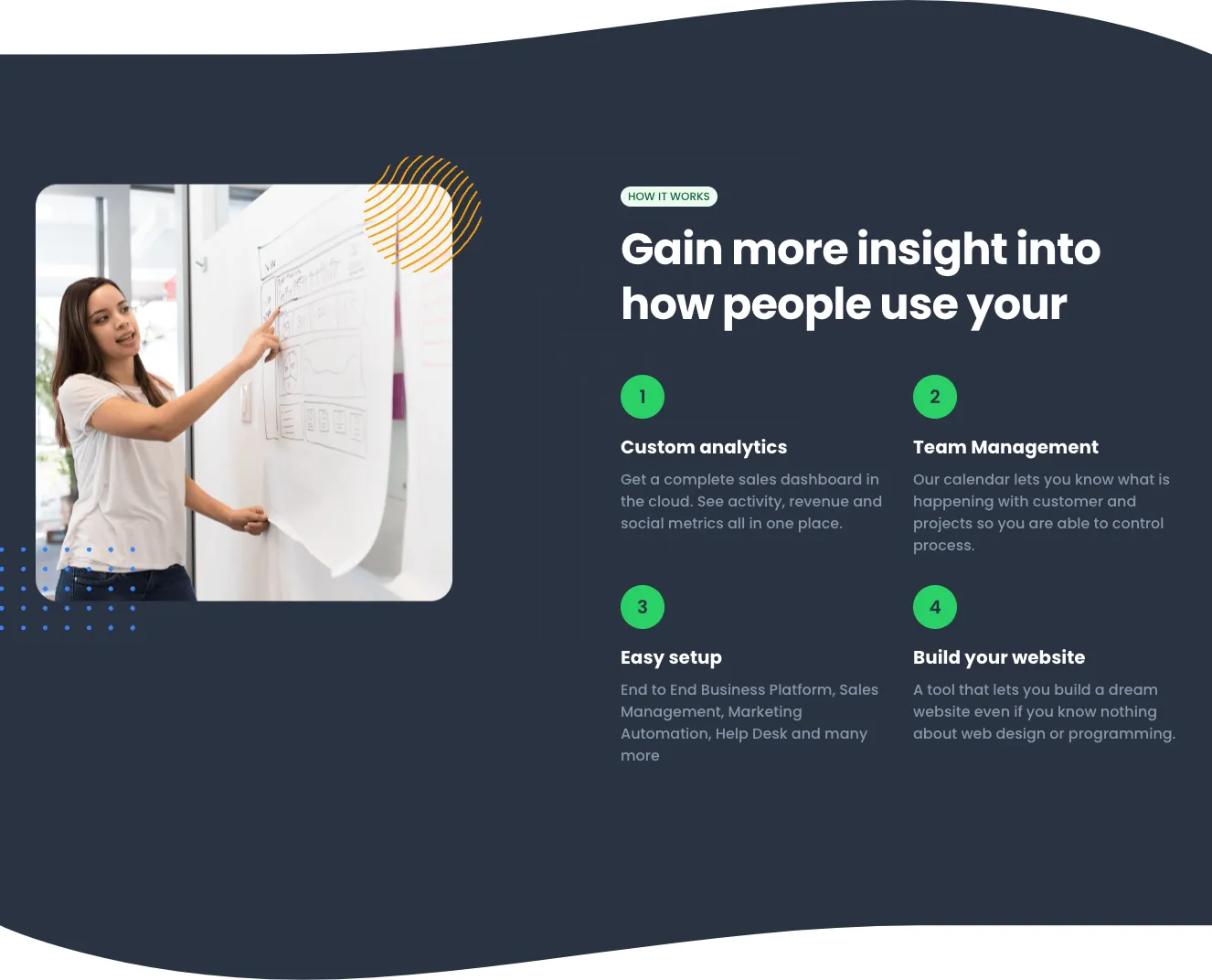
A dark marketing feature section with a rounded photo of a woman pointing at a wireframe whiteboard on the left, and a "How it works" eyebrow, large heading, and four numbered green-badge items with bold titles and gray descriptions on the right. Decorative yellow line-circle and blue dot-grid accents frame the image.
Create a free account to copy production-ready code from every component in the library.
Free account · No credit card · No password needed
Already have an account? Sign in
Components are just the start. See how a project goes from prompt to production‑ready code with Shuffle.
A light-background feature section pairing a large heading, body copy, and two CTA buttons on the left with two overlapping numbered step cards on the right. It explains a simple process using numbered blue badges, headings, and short descriptions.
Create a free account to copy production-ready code from every component in the library.
Free account · No credit card · No password needed
Already have an account? Sign in
Components are just the start. See how a project goes from prompt to production‑ready code with Shuffle.
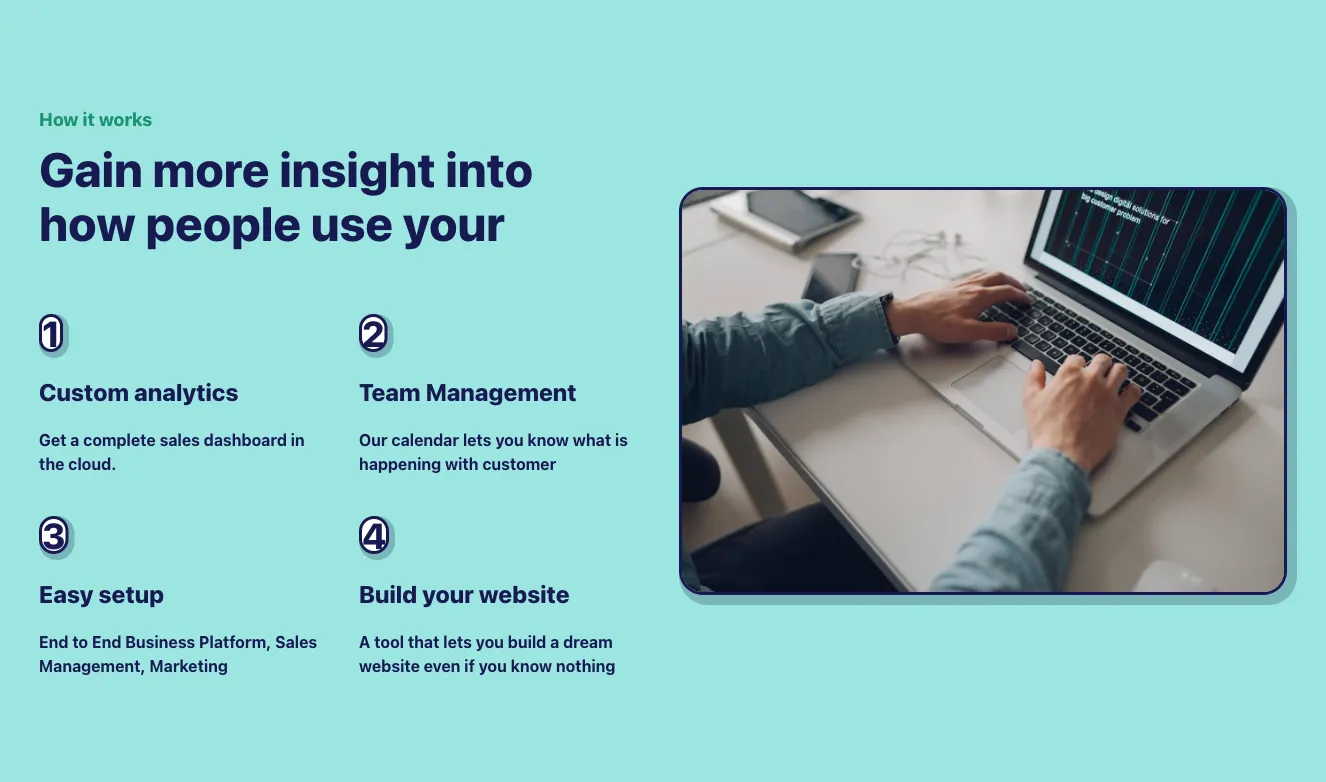
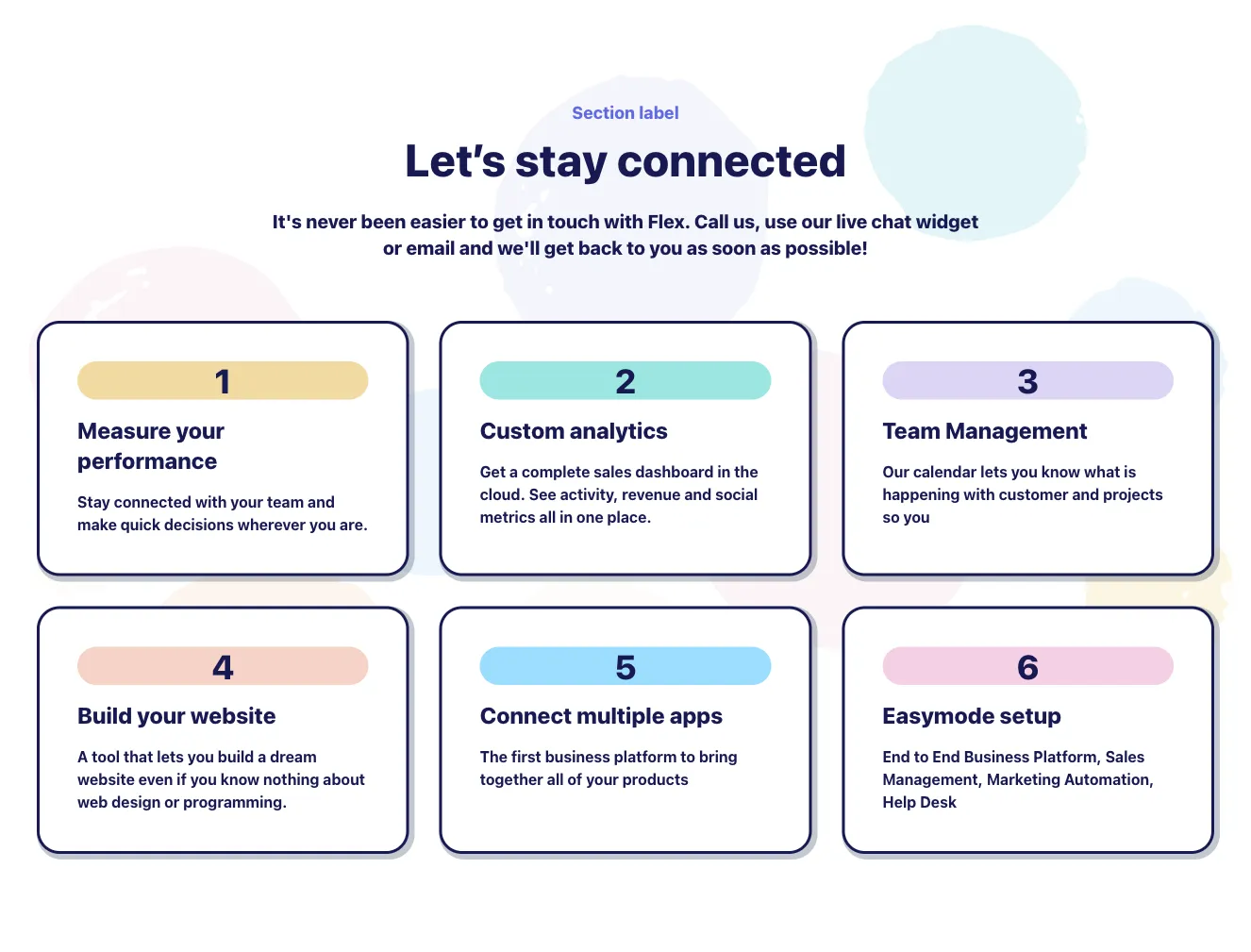
A marketing feature section labeled 'How it works' with a bold heading and a two-column grid of four numbered steps (custom analytics, team management, easy setup, website builder) beside a framed photo of a person typing on a laptop. The layout is split-screen with a light background and navy typography.
Create a free account to copy production-ready code from every component in the library.
Free account · No credit card · No password needed
Already have an account? Sign in
Components are just the start. See how a project goes from prompt to production‑ready code with Shuffle.
A dark-themed marketing section with a left-aligned eyebrow label, large heading, and short paragraph, paired on the right with three numbered steps using colored square badges, bold titles, and gray body text. The two-column split layout presents a process or feature sequence.
Create a free account to copy production-ready code from every component in the library.
Free account · No credit card · No password needed
Already have an account? Sign in
Components are just the start. See how a project goes from prompt to production‑ready code with Shuffle.
A two-column marketing section with a large serif headline on the left and a black panel on the right listing three numbered steps, each with a colored diamond marker, a serif step title, and short body text. It presents a sequential process rather than an interactive UI.
Create a free account to copy production-ready code from every component in the library.
Free account · No credit card · No password needed
Already have an account? Sign in
Components are just the start. See how a project goes from prompt to production‑ready code with Shuffle.
A dark-themed feature section with a bold uppercase heading, short intro paragraph, and a two-column grid of four numbered feature items each with a title and description. A yellow pill-shaped "Activate demo" button sits centered at the bottom.
Create a free account to copy production-ready code from every component in the library.
Free account · No credit card · No password needed
Already have an account? Sign in
Components are just the start. See how a project goes from prompt to production‑ready code with Shuffle.
A marketing feature section with a photograph on the left and a serif heading with a 2x2 grid of numbered feature items on the right, each with a teal icon, title, and body text. The light background and spacious layout present product or service benefits without interactive controls.
Create a free account to copy production-ready code from every component in the library.
Free account · No credit card · No password needed
Already have an account? Sign in
Components are just the start. See how a project goes from prompt to production‑ready code with Shuffle.
A marketing feature section with a bold heading and four stacked full-width rows, each pairing a numbered outline graphic and short text with an abstract painting image in alternating left and right positions. The layout uses a dark blue background with angled image crops and sits under a single headline.
Create a free account to copy production-ready code from every component in the library.
Free account · No credit card · No password needed
Already have an account? Sign in
Components are just the start. See how a project goes from prompt to production‑ready code with Shuffle.
A two-column marketing section with a large bold heading, body paragraph, and blue Learn More button on the left, and three numbered feature items with headings and short descriptions on the right. Light background with blue accent circles for the numbers.
Create a free account to copy production-ready code from every component in the library.
Free account · No credit card · No password needed
Already have an account? Sign in
Components are just the start. See how a project goes from prompt to production‑ready code with Shuffle.
A two-column feature section with a tall slate-gray image placeholder on the left and a bold heading with four numbered text blocks in a two-by-two grid on the right. It presents structured informational content on a white background.
Create a free account to copy production-ready code from every component in the library.
Free account · No credit card · No password needed
Already have an account? Sign in
Components are just the start. See how a project goes from prompt to production‑ready code with Shuffle.
A marketing feature section with a decorative photo of a woman working at a laptop on the left, overlaid with colored blocks, and a bold heading with a 2x2 grid of numbered points on the right. Each point has a number badge, a subheading, and placeholder body text.
Show your workflow and the way you operate with Tailwind how it works components. This will help you explain the important steps of the company or department process.
Choose from many variations of Tailwind components how it works section. Presented here are variants available in various UI libraries. You will also find many other types of components that will be in the same style. This will allow you to build a comprehensive Tailwind website template. Each library has been designed by a professional designer and coded by our team of developers.
Get access to all Tailwind components how it works sections, code and our editor. Try the demo for free.
How you’ll build with Shuffle.
© 2026 Shuffle. All rights reserved.
See what you're getting before you commit.
Switch the editor to Grid and every page of your project appears side by side on one canvas. Arrange them freely, zoom in and out, and add as many new pages as you need in a few clicks.
Describe what you need in one chat and the Agent does the rest: it adds new sections, edits copy and styles, moves blocks around or removes them across your whole page. No modes, no switching, just tell it what to change.
Not quite there yet? Ask for tweaks like missing assets, your logo or other details, and regenerate the design without starting from scratch.