SHUFFLE PRESENTS
UI Generator for Tailwind CSS
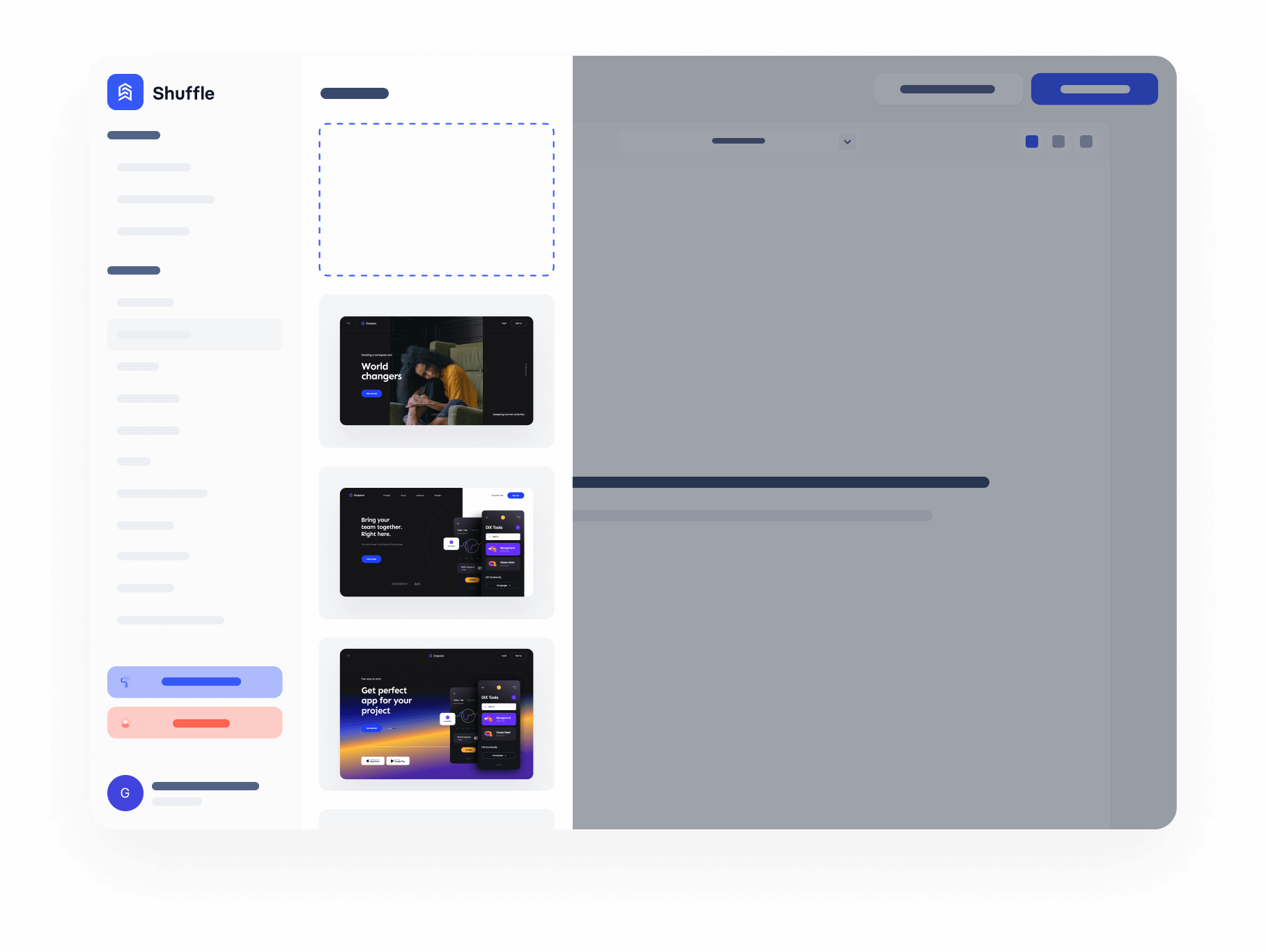
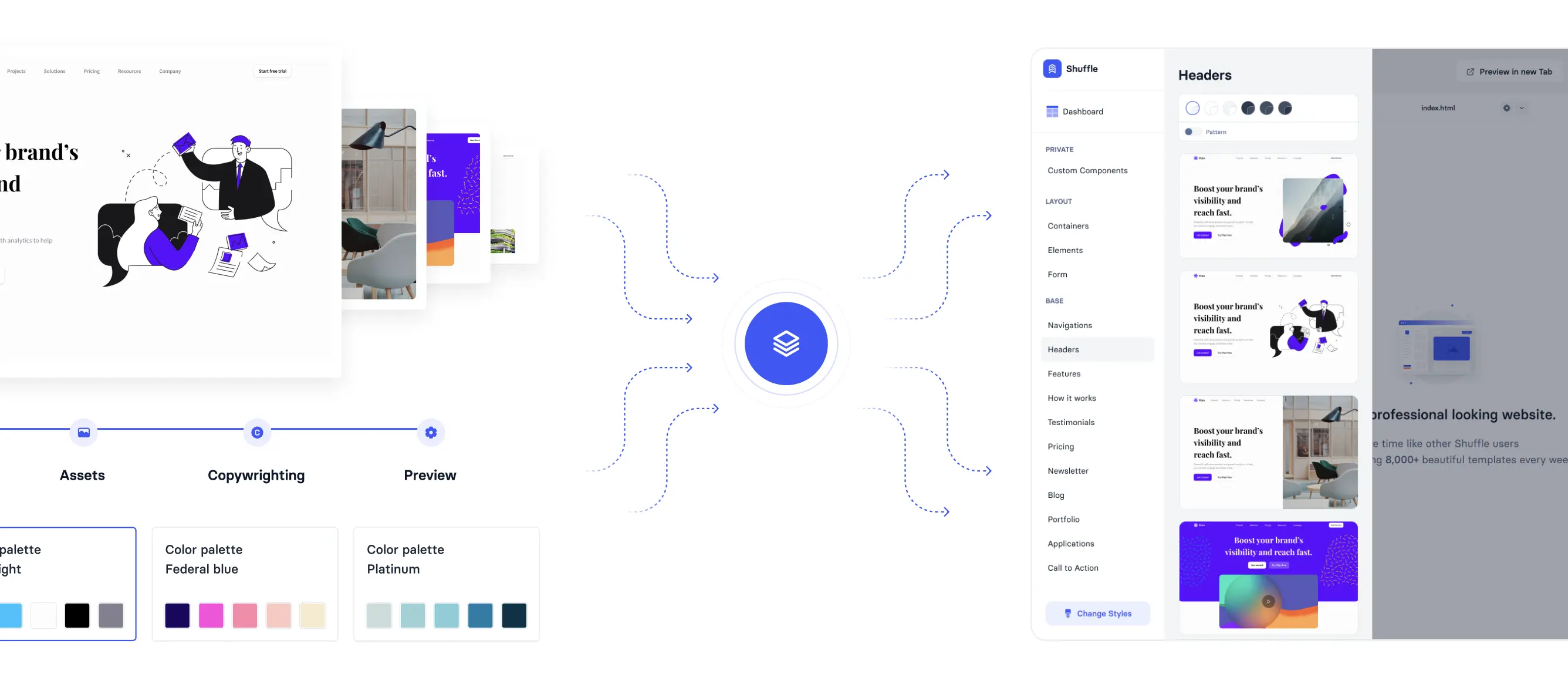
Combine elements and styles to generate a unique Tailwind UI Library that works seamlessly with the Shuffle Editor and all its capabilities.
SHUFFLE PRESENTS
Combine elements and styles to generate a unique Tailwind UI Library that works seamlessly with the Shuffle Editor and all its capabilities.
Is your library ready?

You can publish UI Library without an account but must sign in or create an account to access the full sources of the project.

JPG, GIF, PNG or SVG. Max size of 200 KB.

Adjust UI Library when you are done with selecting options for your new project. After saving Adjustments, changes are still possible, but you may lose the changes you made in HTML.
See what you're getting before you commit.
Switch the editor to Grid and every page of your project appears side by side on one canvas. Arrange them freely, zoom in and out, and add as many new pages as you need in a few clicks.
Describe what you need in one chat and the Agent does the rest: it adds new sections, edits copy and styles, moves blocks around or removes them across your whole page. No modes, no switching, just tell it what to change.
Not quite there yet? Ask for tweaks like missing assets, your logo or other details, and regenerate the design without starting from scratch.