Browse 122 ready-made Tailwind CSS careers components from multiple UI libraries. Every variant is fully responsive – copy the code or customize it in the visual editor and export clean code.
 Tailwind CSS
Full Shuffle Editor access for just $10
Great for quick projects and for testing everything Shuffle can do. One-time payment, not a subscription.
Get 7-Day PassNew to Shuffle? Try our tools:

Create a free account to copy production-ready code from every component in the library.
Free account · No credit card · No password needed
Already have an account? Sign in
A light-themed section with a centered bold heading, short intro text, and a 3x2 grid of job cards showing job titles, employment type, location, and company logos. A centered text link below the grid invites users to see all 8,849 jobs.


Create a free account to copy production-ready code from every component in the library.
Free account · No credit card · No password needed
Already have an account? Sign in
A light-background job listings section headed 'Available positions' with two categories, Development and Marketing, each showing a grid of bordered cards. Each card lists a location, job title, and employment type such as Full Time.




Create a free account to copy production-ready code from every component in the library.
Free account · No credit card · No password needed
Already have an account? Sign in
A light-background careers page for Solstice featuring a header, an introductory text section, a mosaic of team photos, a three-column benefits grid with icons, and a list of open job cards with remote and full-time badges. It ends with a call-to-action row to email a resume.


Create a free account to copy production-ready code from every component in the library.
Free account · No credit card · No password needed
Already have an account? Sign in
A centered job listings section with a serif heading, short subtitle, and a vertical stack of four cards, each showing a job title, employment type and location, and a purple Check Details button. The light background and white cards with soft shadows give it a clean, minimal look.


Create a free account to copy production-ready code from every component in the library.
Free account · No credit card · No password needed
Already have an account? Sign in
A dark-themed careers section with an eyebrow label, centered heading, and category filter pills (All, Design, Development, Marketing). Below, the active Design category shows job cards listing role title, employment type, description, and an Apply Now link.


Create a free account to copy production-ready code from every component in the library.
Free account · No credit card · No password needed
Already have an account? Sign in
A dark-themed job listings section titled "Open positions" with category filter tabs (All, Design, Software Engineering, Customer Success, Sales, Marketing) and a vertical stack of job cards showing department, location, employment type, role title, and a short description with arrow links. The lower cards fade out, and a neon "See all positions" button closes the section.


Create a free account to copy production-ready code from every component in the library.
Free account · No credit card · No password needed
Already have an account? Sign in
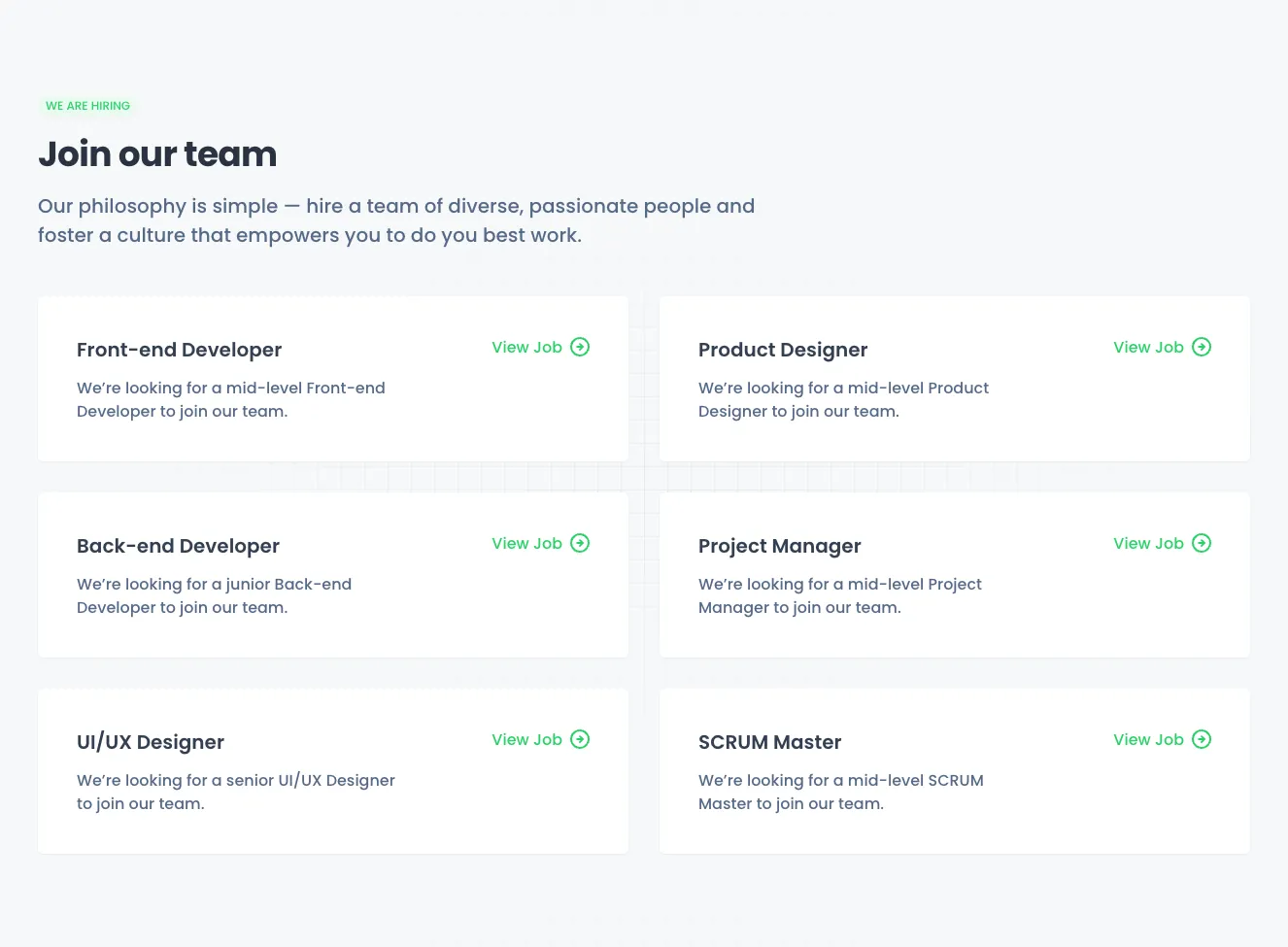
A centered careers section with a small 'We Are Hiring' badge, a bold 'Join our team' heading, and supporting text, followed by a vertical stack of five white job cards each showing a role title and a green 'View Job' link with arrow icon. The light background and simple card layout give it a minimal, recruitment-focused appearance.






Create a free account to copy production-ready code from every component in the library.
Free account · No credit card · No password needed
Already have an account? Sign in
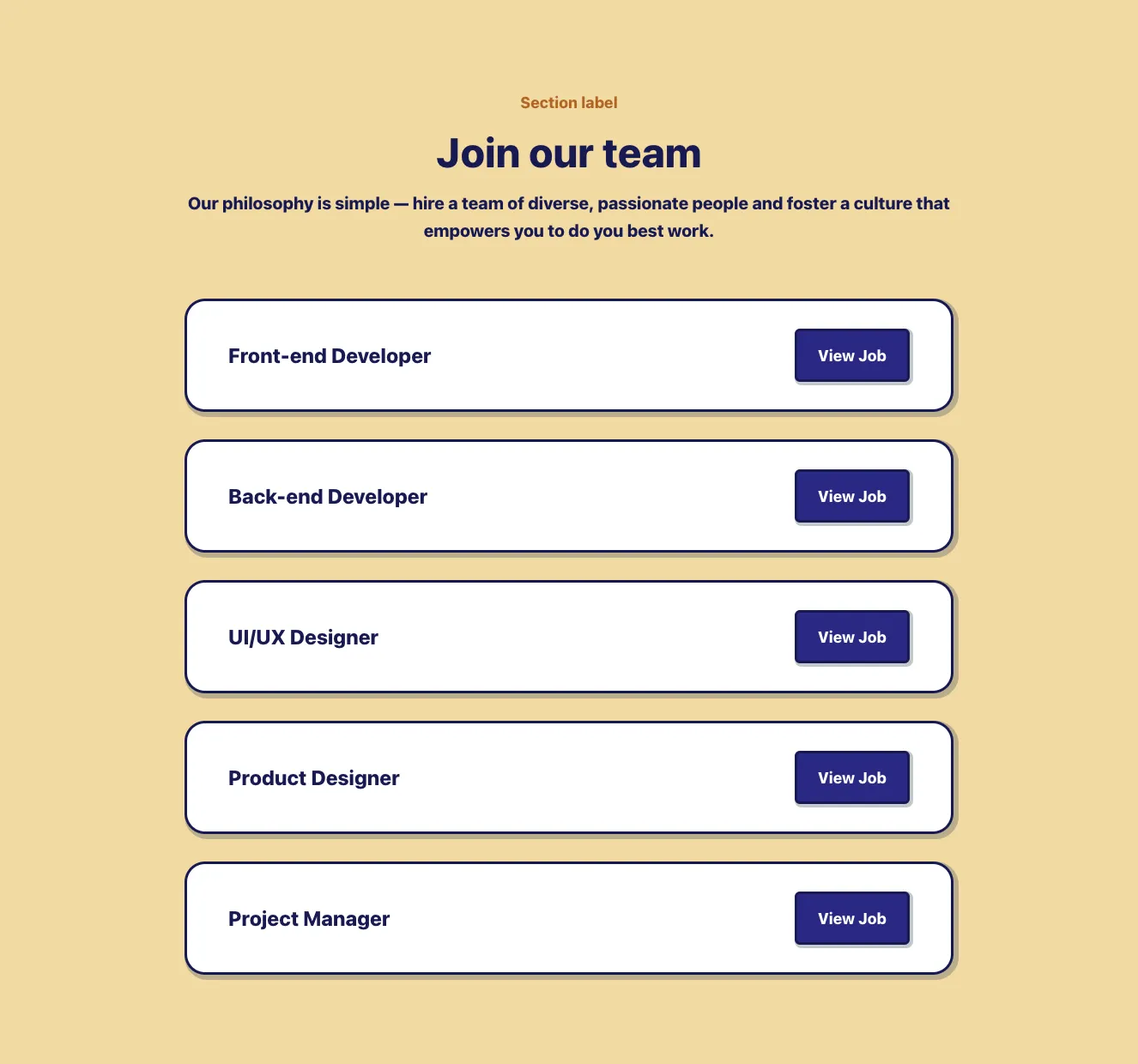
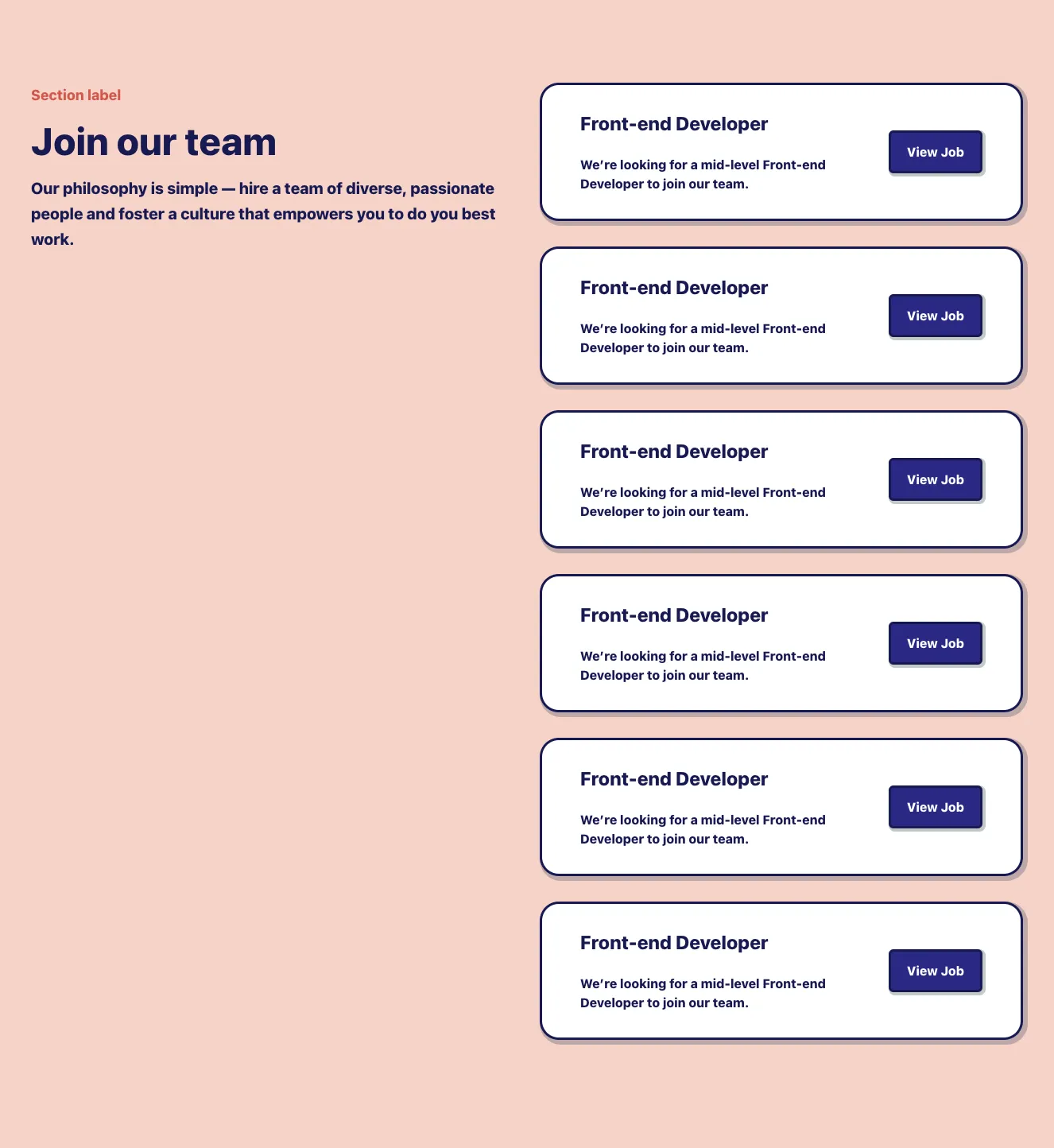
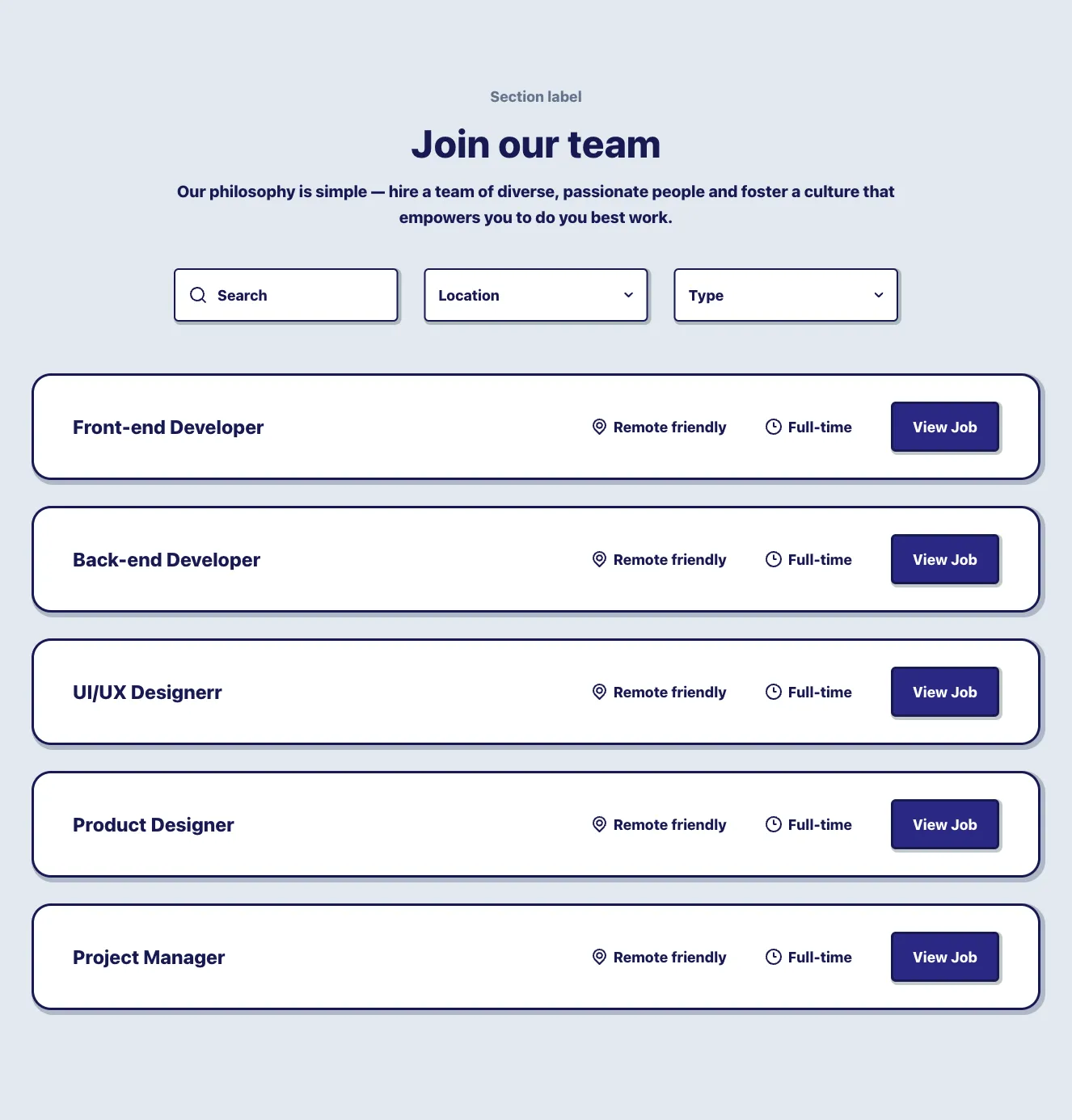
A centered careers section with a section label, heading, and philosophy text above a vertical stack of five outlined job cards, each showing a role title and a View Job button. The layout is a single-column vertical list with dark navy outlines and offset shadows on white backgrounds.










Create a free account to copy production-ready code from every component in the library.
Free account · No credit card · No password needed
Already have an account? Sign in
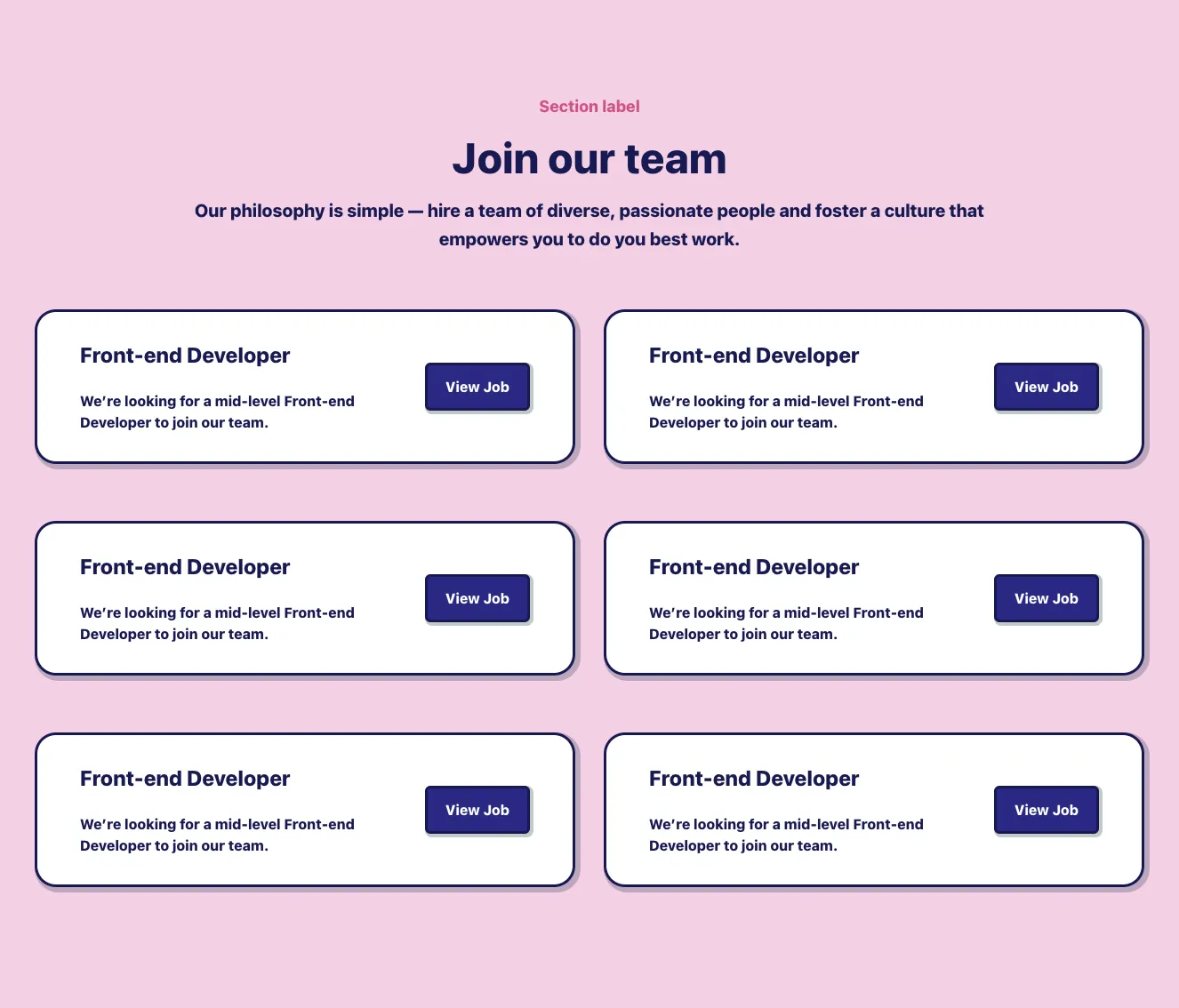
A dark-themed careers section with a centered heading and subtitle above a two-column grid of six job listing cards. Each card shows a 3D illustration thumbnail, job title, short description, colored department tag, location, and employment type.


Create a free account to copy production-ready code from every component in the library.
Free account · No credit card · No password needed
Already have an account? Sign in
A careers section showing a large heading and a vertical list of open job positions, each card displaying the job title, location, and a More button, followed by a full-width Show more control. The light gray background and white rounded cards give it a clean, minimal listing layout.


Create a free account to copy production-ready code from every component in the library.
Free account · No credit card · No password needed
Already have an account? Sign in
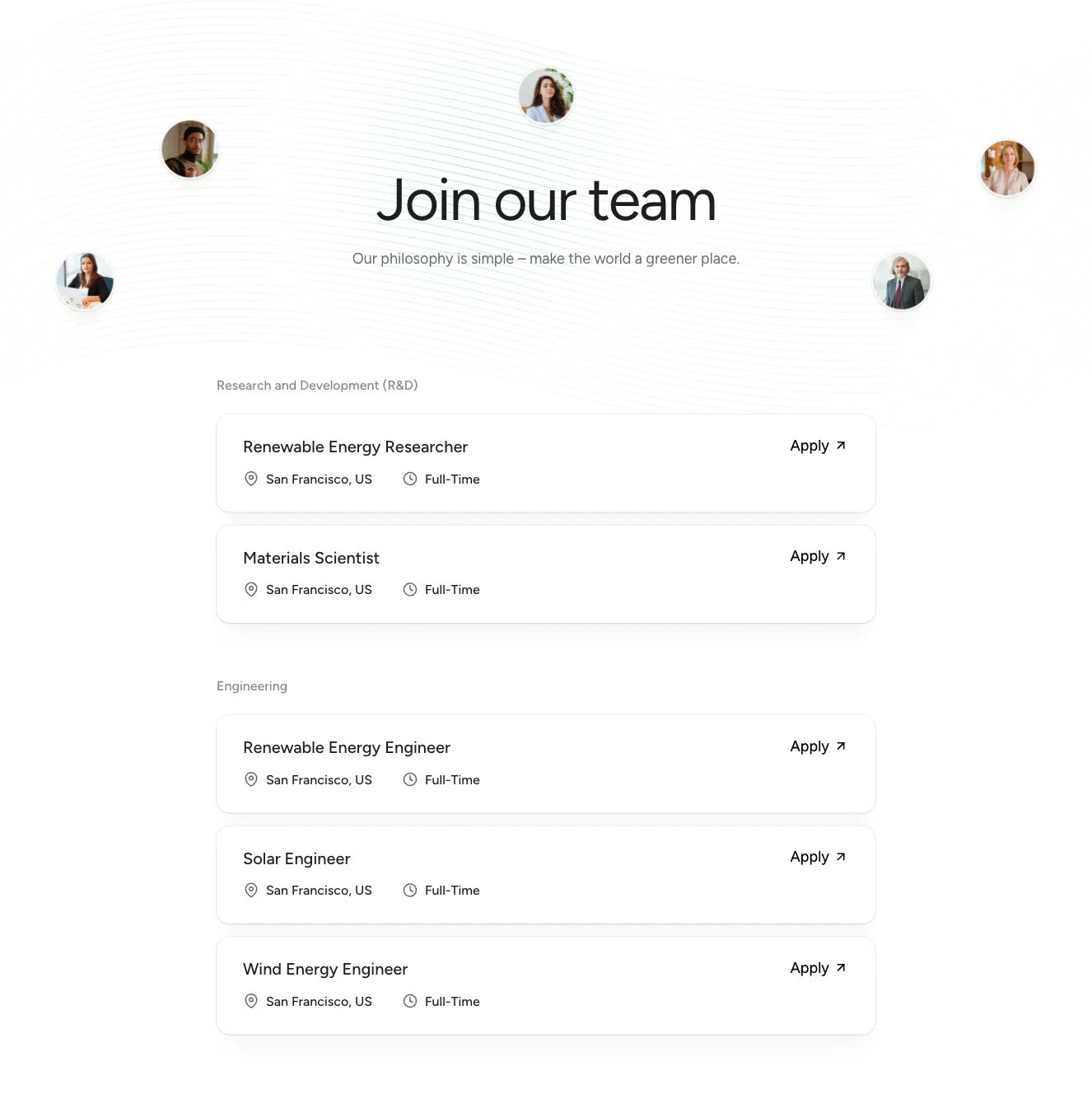
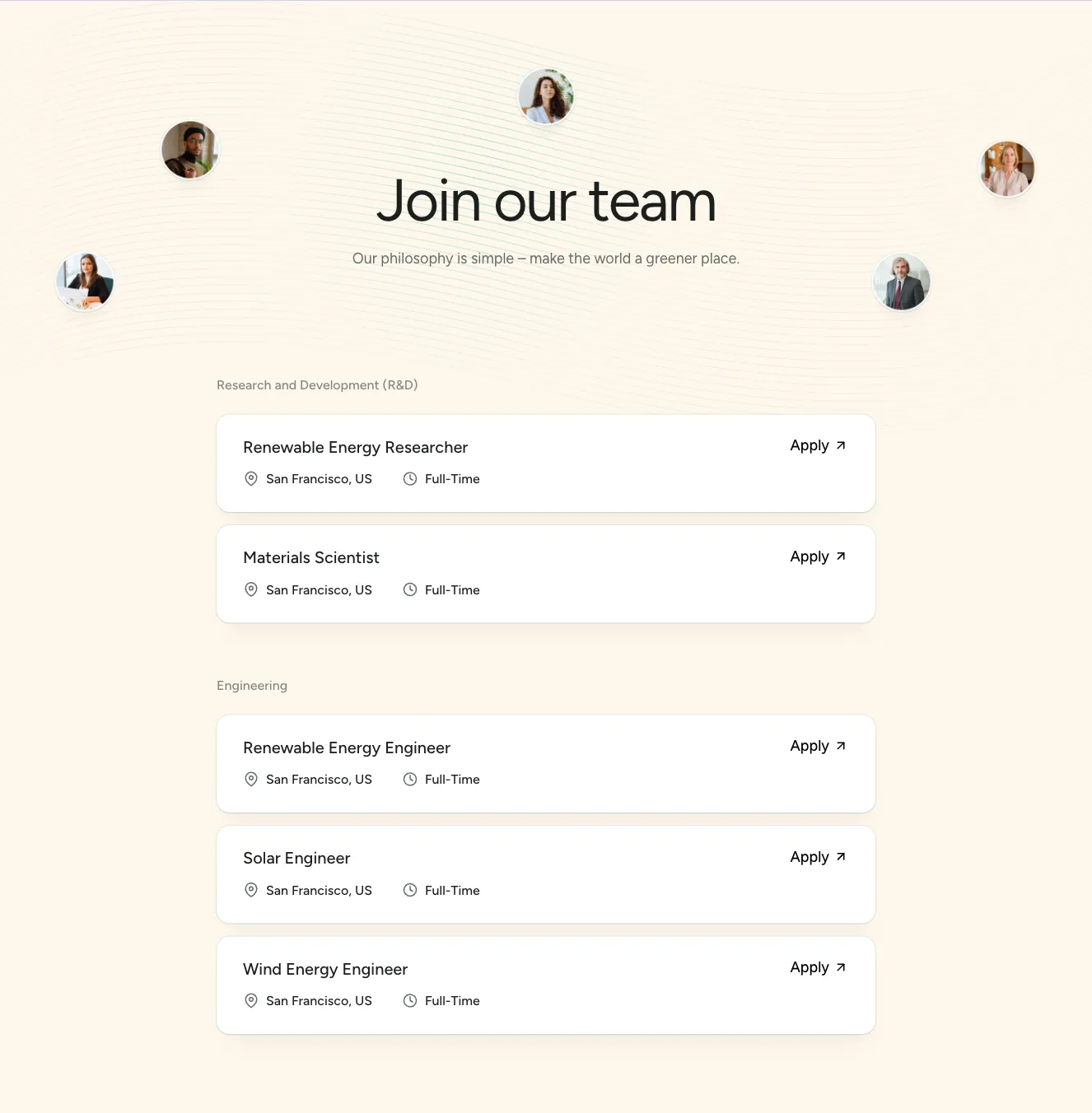
A careers page section with a large heading and subtitle, a grid of circular team portraits on lime and dark green tiles, filter dropdowns for department and location, and grouped job listing cards showing role title, location, employment type, and an Apply link.






Create a free account to copy production-ready code from every component in the library.
Free account · No credit card · No password needed
Already have an account? Sign in
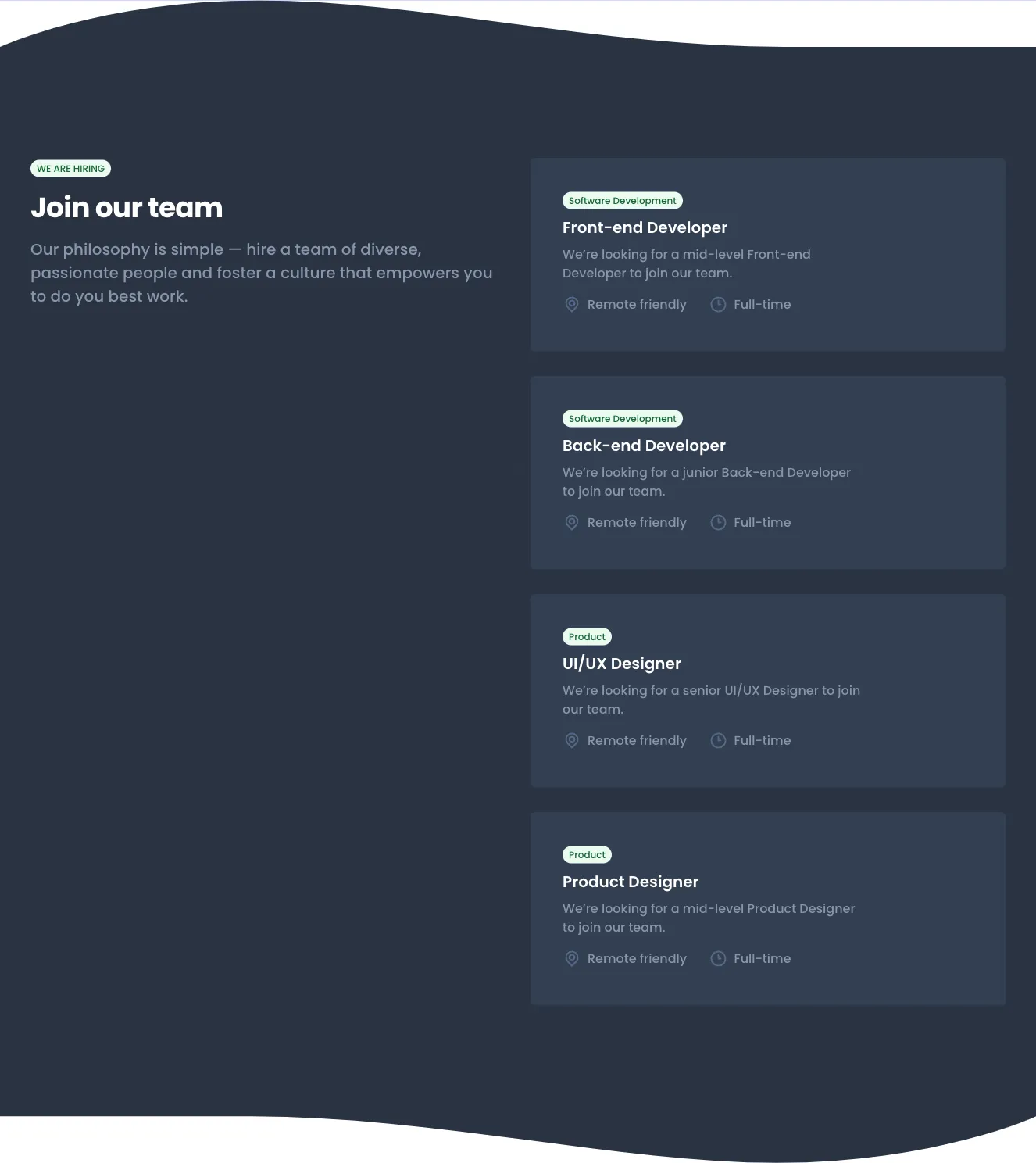
A dark-themed careers page for a company, featuring a hero heading with a View Openings button, a six-card benefits grid with icons, a numbered four-step hiring process, and grouped open role rows with location and chevron indicators. The layout is a vertical stack of sections with distinct content blocks.


Create a free account to copy production-ready code from every component in the library.
Free account · No credit card · No password needed
Already have an account? Sign in
A careers section with a heading, intro paragraph, and a vertical list of three job postings, each showing a title, short summary, location and employment-type tags, and a blue circular arrow button. A dark 'Show more' button sits below the list.


Create a free account to copy production-ready code from every component in the library.
Free account · No credit card · No password needed
Already have an account? Sign in
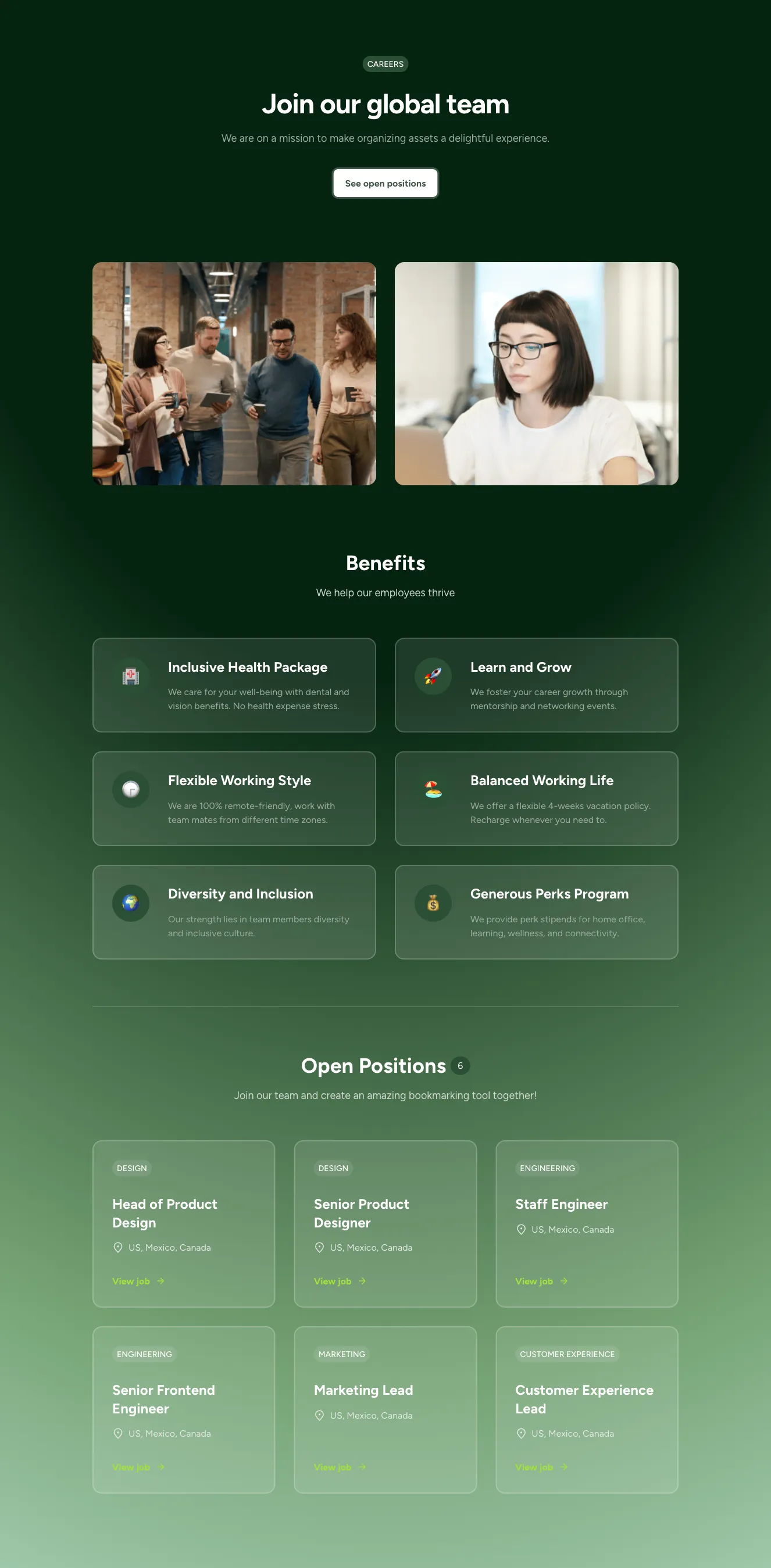
A full careers landing page section featuring a centered hero with a CTA button, a horizontal carousel of team photos, a six-card benefits grid, and a categorized list of open positions with View job links. Light background with green accent styling and generous whitespace.




Create a free account to copy production-ready code from every component in the library.
Free account · No credit card · No password needed
Already have an account? Sign in
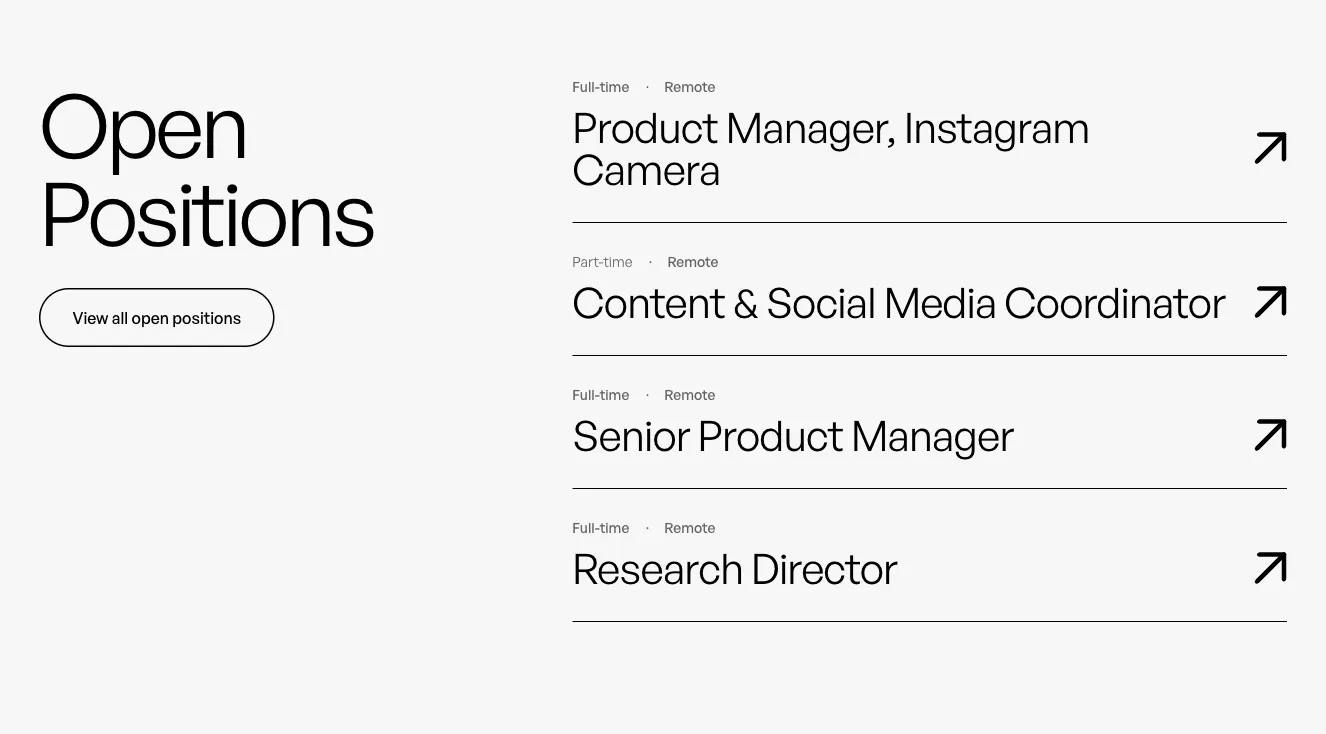
A two-column careers section with a large heading and outlined button on the left, and a vertical list of job postings on the right, each showing employment type, location, role title, a divider line, and an arrow link. Minimal light background with generous whitespace.


Create a free account to copy production-ready code from every component in the library.
Free account · No credit card · No password needed
Already have an account? Sign in
A split-layout job listings section with a heading and short intro on the left and categorized job cards on the right, each showing title, status badge, location, salary range, and an Apply Now button. The light background and white cards with rounded corners distinguish it as a careers list.




Choose from 122 variations of Tailwind application components. Presented here are variants available in various UI libraries.
Get access to all Tailwind application components, code and our visual editor. Try the demo for free!

Build websites faster with an AI Visual Editor



© 2026 Shuffle. All rights reserved.
See what you're getting before you commit.
Switch the editor to Grid and every page of your project appears side by side on one canvas. Arrange them freely, zoom in and out, and add as many new pages as you need in a few clicks.
Describe what you need in one chat and the Agent does the rest: it adds new sections, edits copy and styles, moves blocks around or removes them across your whole page. No modes, no switching, just tell it what to change.
Not quite there yet? Ask for tweaks like missing assets, your logo or other details, and regenerate the design without starting from scratch.

























