Can't find the right component?
Describe it and Shuffle AI builds it in seconds, ready to edit and export.
Browse 249 ready-made Tailwind CSS newsletter components from multiple UI libraries. Every variant is fully responsive – copy the code or customize it in the visual editor and export clean code.
Create a free account to copy production-ready code from every component in the library.
Free account · No credit card · No password needed
Already have an account? Sign in
Components are just the start. See how a project goes from prompt to production‑ready code with Shuffle.
A horizontal banner with a bold heading and supporting text on the left, and an email input field with an Action button on the right. It collects user email addresses on a light blue-gray panel with no visible marketing imagery.
Create a free account to copy production-ready code from every component in the library.
Free account · No credit card · No password needed
Already have an account? Sign in
Components are just the start. See how a project goes from prompt to production‑ready code with Shuffle.
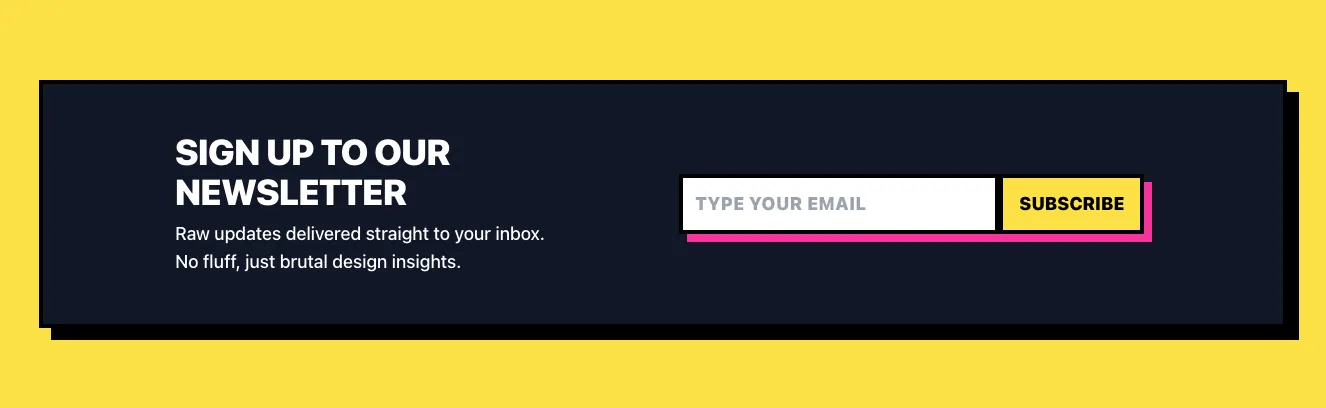
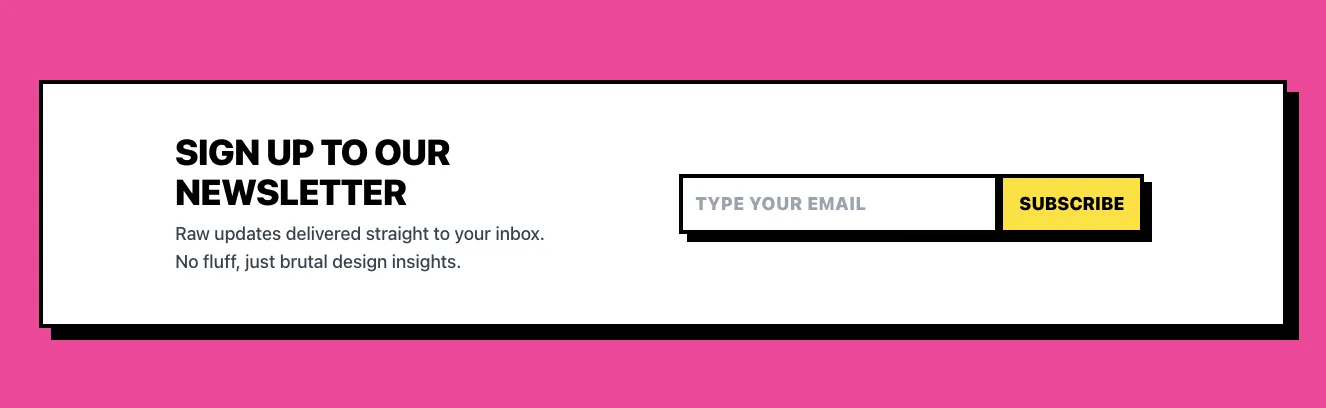
A dark, bordered newsletter signup banner with a bold uppercase heading, short supporting text, and an email input paired with a yellow Subscribe button. Thick black outlines and a pink offset shadow give it a brutalist, high-contrast style on a yellow page background.
Create a free account to copy production-ready code from every component in the library.
Free account · No credit card · No password needed
Already have an account? Sign in
Components are just the start. See how a project goes from prompt to production‑ready code with Shuffle.
A dark-themed promotional card with a bold heading, body text, a 50% statistic with icon, and an email input with a purple submit button and terms checkbox. The layout is split between a left text/stat column and a right form column, with a decorative sparkle graphic in the upper right.
Create a free account to copy production-ready code from every component in the library.
Free account · No credit card · No password needed
Already have an account? Sign in
Components are just the start. See how a project goes from prompt to production‑ready code with Shuffle.
A centered promotional section with a large heading, subtitle, and an inline email input paired with a dark "Join now" button on a soft lavender-to-peach gradient background. A short supporting line sits at the bottom, and the layout is a single vertical stack suited to newsletter or community signup.
Create a free account to copy production-ready code from every component in the library.
Free account · No credit card · No password needed
Already have an account? Sign in
Components are just the start. See how a project goes from prompt to production‑ready code with Shuffle.
A centered dark newsletter subscription section with a bold heading, supporting text, and a pill-shaped email input paired with a white Subscribe button. A small reassurance line about spam and unsubscribing appears below the form.
Create a free account to copy production-ready code from every component in the library.
Free account · No credit card · No password needed
Already have an account? Sign in
Components are just the start. See how a project goes from prompt to production‑ready code with Shuffle.
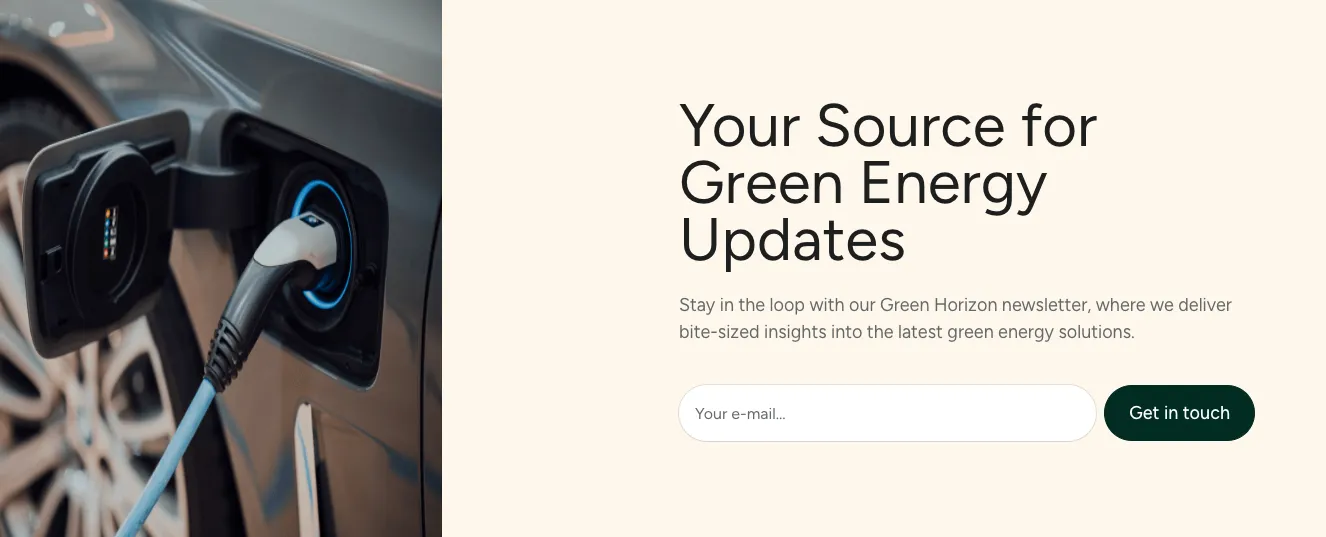
A split-layout hero section promoting a green energy newsletter, with a large heading, supporting paragraph, and an inline email input with a call-to-action button on the left. The right side shows a circular lime and photographic wind turbine landscape.
Create a free account to copy production-ready code from every component in the library.
Free account · No credit card · No password needed
Already have an account? Sign in
Components are just the start. See how a project goes from prompt to production‑ready code with Shuffle.
A dark, skewed banner with a gradient heading 'SUBSCRIBE TO FEED', supporting text, and an email input paired with a gradient 'EXECUTE' button. The parallelogram-shaped panel and monospace styling give it a futuristic, cyberpunk look.
Create a free account to copy production-ready code from every component in the library.
Free account · No credit card · No password needed
Already have an account? Sign in
Components are just the start. See how a project goes from prompt to production‑ready code with Shuffle.
A centered newsletter subscription section with a bold heading above a white card containing a title, supporting text, and a pill-shaped email input with a blue Get started button. The layout is a single vertical stack on a light gray background.
Create a free account to copy production-ready code from every component in the library.
Free account · No credit card · No password needed
Already have an account? Sign in
Components are just the start. See how a project goes from prompt to production‑ready code with Shuffle.
A bordered, horizontal newsletter signup section with a bold heading and supporting text on the left, and an email input with a green-to-teal gradient Subscribe button on the right. A small note below the input reads that there is no spam and unsubscribe is available anytime.
Create a free account to copy production-ready code from every component in the library.
Free account · No credit card · No password needed
Already have an account? Sign in
Components are just the start. See how a project goes from prompt to production‑ready code with Shuffle.
A light gray hero section with a small eyebrow label, a large two-line headline, supporting text, and an email input paired with a black Sign Up button on the left. A rounded photograph of a man sitting at a café table with a teal mug occupies the right side.
Create a free account to copy production-ready code from every component in the library.
Free account · No credit card · No password needed
Already have an account? Sign in
Components are just the start. See how a project goes from prompt to production‑ready code with Shuffle.
A centered light-background section with a bold heading, supporting text, and an inline email input paired with a purple Subscribe button. It is a compact promotional block for collecting email addresses for newsletter updates.
Create a free account to copy production-ready code from every component in the library.
Free account · No credit card · No password needed
Already have an account? Sign in
Components are just the start. See how a project goes from prompt to production‑ready code with Shuffle.
A light-background newsletter signup section with a large two-tone serif heading 'Join us in suncealand' on the left and a supporting paragraph, email input, and blue JOIN button on the right. A decorative marquee strip of uppercase labels with faint arcs appears along the bottom edge.
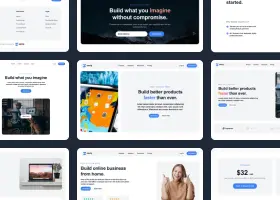
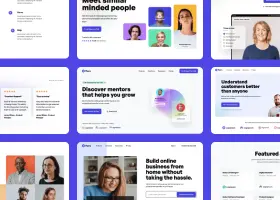
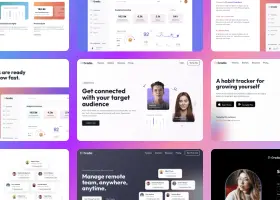
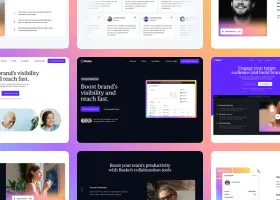
Newsletters are the bread and butter of any business. Our Tailwind components newsletter will allow you to build your mailing base effectively.
Choose from many variations of the Tailwind components newsletter. The variants shown here are available in various UI libraries in the Shuffle editor. You will also find many other types of components that will be in the same style. This will allow you to build a comprehensive Tailwind website template. Each library is designed by a professional designer and coded by our team of developers.
Get access to all sections of the Tailwind components newsletter, code and our editor. Try the demo for free.
How you’ll build with Shuffle.
© 2026 Shuffle. All rights reserved.
See what you're getting before you commit.
Switch the editor to Grid and every page of your project appears side by side on one canvas. Arrange them freely, zoom in and out, and add as many new pages as you need in a few clicks.
Describe what you need in one chat and the Agent does the rest: it adds new sections, edits copy and styles, moves blocks around or removes them across your whole page. No modes, no switching, just tell it what to change.
Not quite there yet? Ask for tweaks like missing assets, your logo or other details, and regenerate the design without starting from scratch.