



















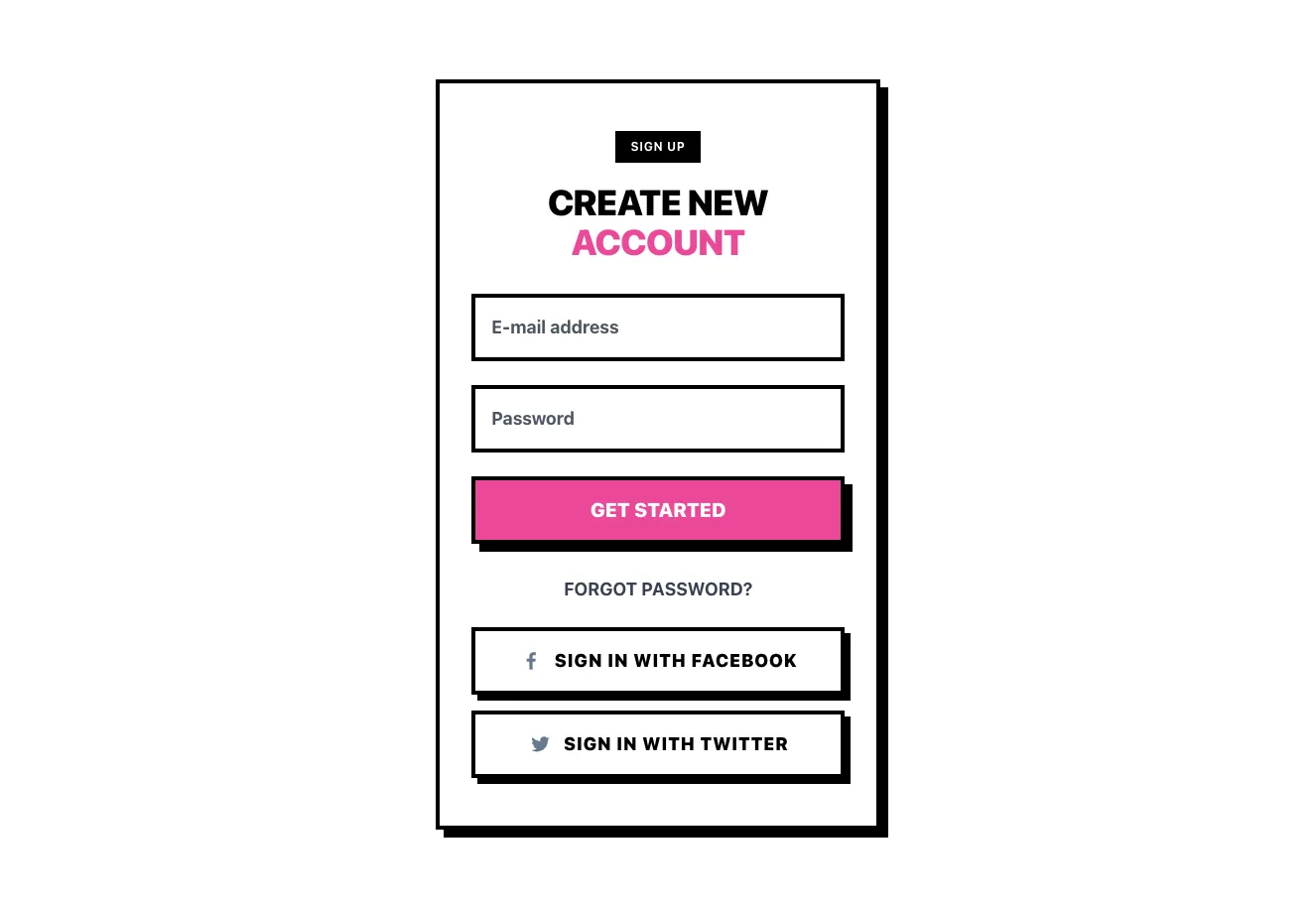


Waiting
Customize and export code (opens in a new tab)Compare designs
Each model builds its own version. Pick your favorite and customize it.
Desktop preview
See how each design looks on a full-width desktop screen. Mobile preview
Check how each design adapts to a small phone screen.
See how each design looks on a full-width desktop screen. Mobile preview
Check how each design adapts to a small phone screen.
How to create best sign in and sign up components?
Choose the account task. Tell the AI whether you need sign in, registration, or a design that switches between them. List the required fields, account options, and exact primary action label.
Plan the supporting states. Specify password guidance, recovery links, and any social sign-in options you actually support. Ask for persistent labels and space for clear validation feedback.
Check the entry experience. Compare the designs on a narrow screen and with field errors visible. Connect the selected layout to your account flow and verify the focus order and supporting links.
Examples of sign in / sign up components
NEUB
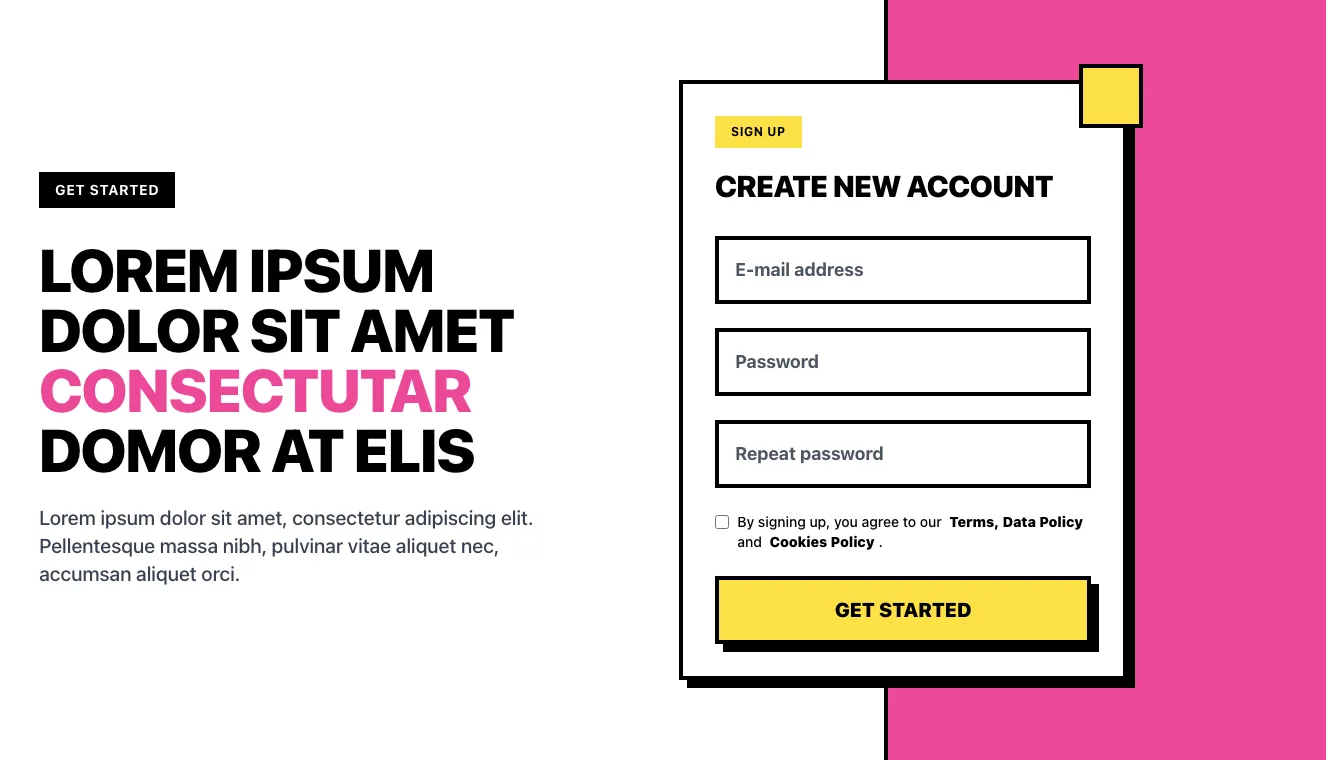
Split-screen sign-up hero with account creation form
A split-screen hero section with a bold headline, body copy, and a GET STARTED badge on the left, paired with a bordered sign-up card on the right containing email and password fields, a terms checkbox, and a yellow GET STARTED button. The right side uses a pink panel with offset black shadows and a yellow accent square.

Coleos
Split-screen sign-up form with promotional hero panel
A split-screen sign-up section with a purple promotional panel on the left featuring a heading and body text, and a light card on the right containing a Create new account form with name, email, and password fields, a terms checkbox, a Sign Up button, and a Sign In link.

asitrastudio
Sign-up Modal with Social Login and Email Form
A centered modal dialog titled "Sign up to studio" with Google and Apple social sign-up buttons, an OR divider, and fields for full name, email, and password, followed by a disabled-looking Sign up button and terms text. A close icon sits in the top-right corner.

FilyTreck
Split-screen registration form with photo panel and social sign-in
A split-screen account registration page with a full-height photo and tagline on the left and a form on the right containing email and password fields, a primary submit button, Google and Apple sign-in options, and a login link. The layout is designed for account creation rather than app promotion.
Explore component generators
Generate any section of your website with the same multi-model workflow.
No categories match your search.



