




















Waiting
Customize and export code (opens in a new tab)Compare designs
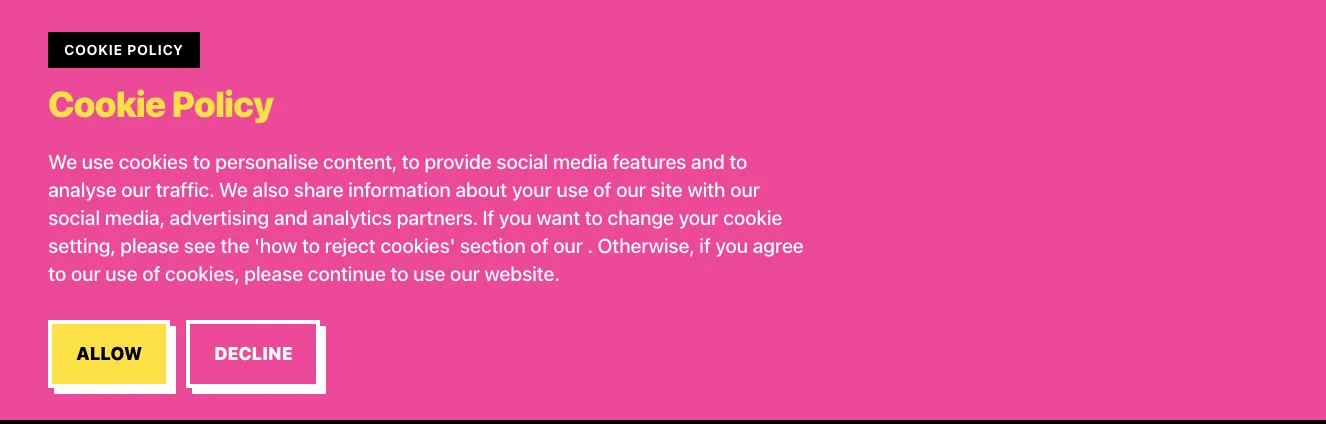
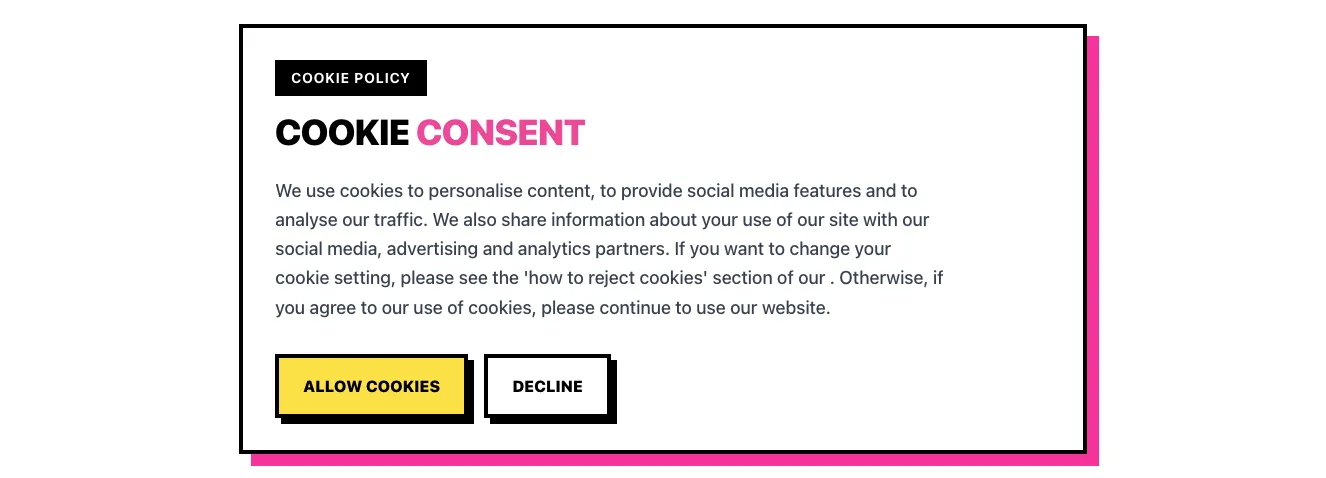
Each model builds its own version. Pick your favorite and customize it.
Desktop preview
See how each design looks on a full-width desktop screen. Mobile preview
Check how each design adapts to a small phone screen.
See how each design looks on a full-width desktop screen. Mobile preview
Check how each design adapts to a small phone screen.
How to create best cookie notice components?
Write a clear notice. Provide the exact explanation and preference labels you want visitors to see. Tell the AI whether the notice is a compact bottom bar or a small floating panel.
Define the controls. List the visitor choices and any link to more information. Ask for readable copy and distinct controls that remain visible when the text wraps.
Check the finished notice. Review how much of the page it covers at small widths. Confirm that links and buttons are understandable and connect the design to your existing preference mechanism.
Examples of cookies components
NEUB
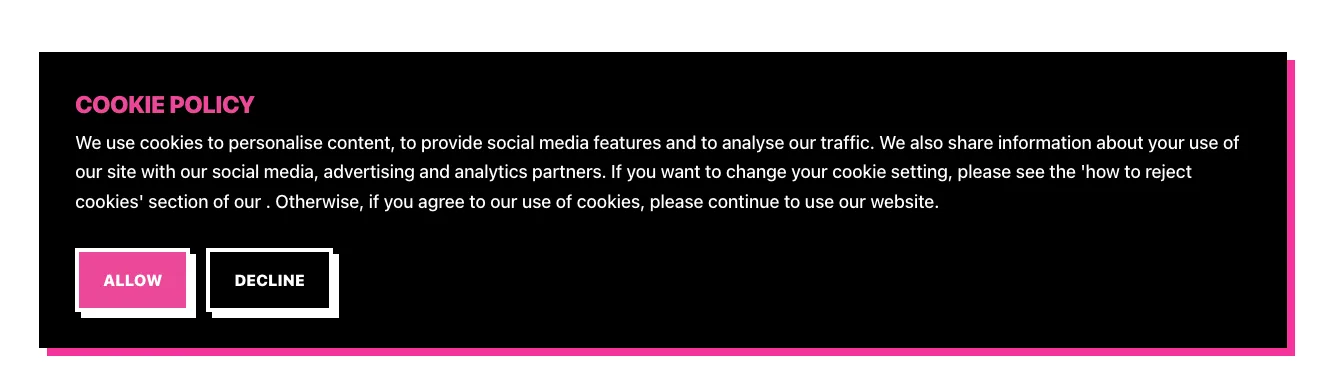
Cookie Policy Consent Banner with Allow and Decline Buttons
A full-width dark notification banner displaying a cookie policy heading, explanatory paragraph, and two action buttons labeled Allow and Decline. The layout is a single stacked column with a pink offset shadow and high-contrast bordered buttons.
Explore component generators
Generate any section of your website with the same multi-model workflow.
No categories match your search.



