
























Waiting
Customize and export code (opens in a new tab)Compare designs
Each model builds its own version. Pick your favorite and customize it.
Desktop preview
See how each design looks on a full-width desktop screen. Mobile preview
Check how each design adapts to a small phone screen.
See how each design looks on a full-width desktop screen. Mobile preview
Check how each design adapts to a small phone screen.
How to create best rich text components?
Provide a realistic content sample. Include headings, paragraphs, lists, links, and quotes that reflect the material you plan to publish. Tell the AI whether the component is for an article, a guide, or product documentation.
Specify typographic hierarchy. Ask for a comfortable text width, distinct heading levels, and consistent spacing between content types. Include any special treatment needed for code, tables, or supporting notes.
Review a long passage. Compare line length, link visibility, and the transition between different elements. Check mobile overflow and make sure the content stays readable without excessive visual decoration.
Examples of rich text components

Flex
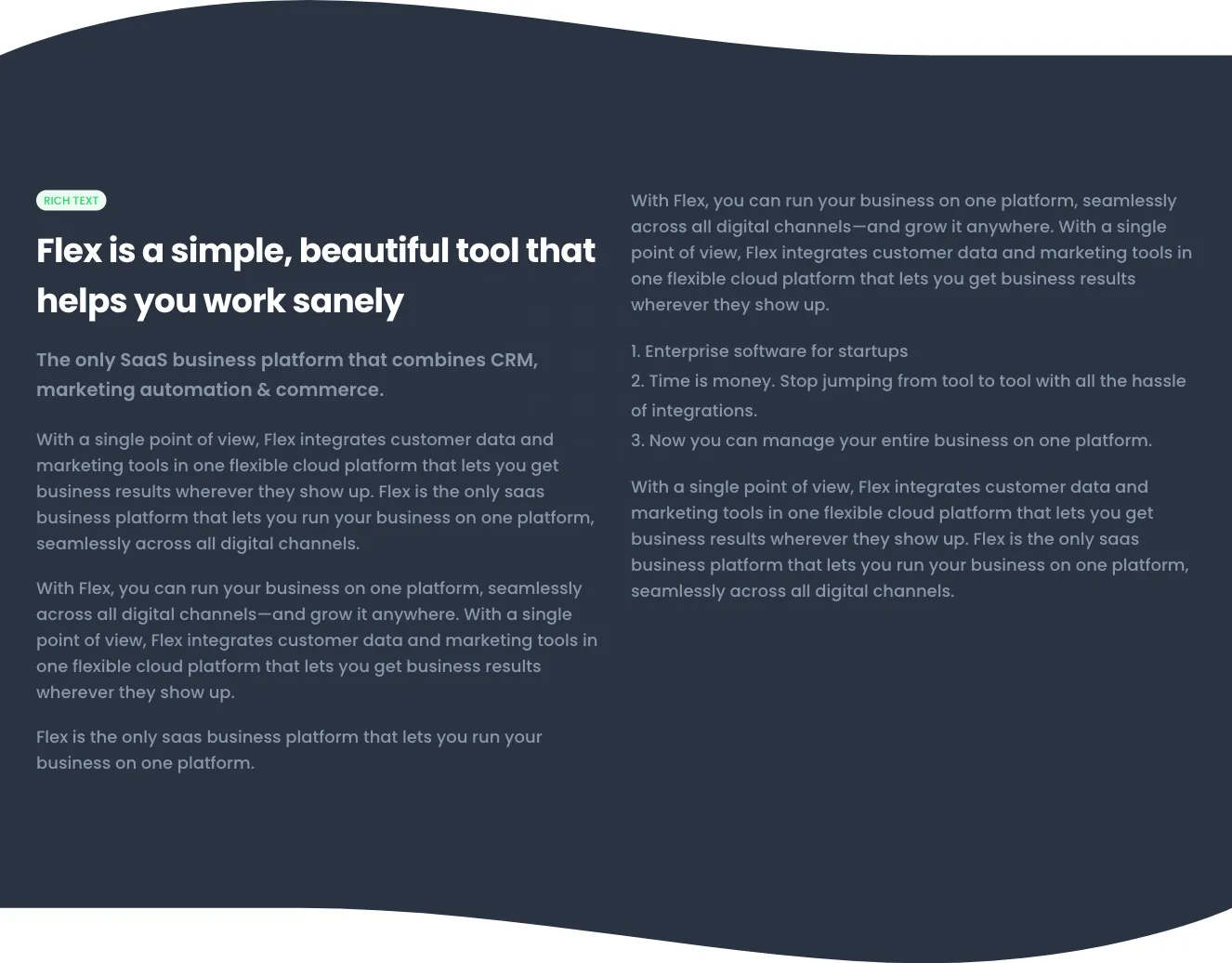
Two-column rich text marketing section for Flex SaaS platform
A light-background rich text section with a small green 'RICH TEXT' label, a bold heading, a subheading, and body paragraphs split across two columns. It presents text-only product messaging for a SaaS business platform with no images, buttons, or interactive controls visible.
Explore component generators
Generate any section of your website with the same multi-model workflow.
No categories match your search.



