Redirecting to PayPal

Tailwind CSS Components – Flex Library

Browse 345 ready-made Tailwind CSS components from the Flex UI library. Every variant is fully responsive – copy the code or customize it in the visual editor and export clean code.

Tailwind Component #61

Tailwind Component

Centered Testimonial Quote Slider with Avatar and Pagination Dots

A centered testimonial section showing a large quotation from Darren Dunlap, CEO & Founder at Flex.co, with a circular avatar, name and title, and three pagination dots indicating a carousel. Decorative green quotation marks sit behind the quote on a light background.

Tailwind Component #62

Tailwind Component

Flex App Top Navigation Bar with Dashboard, Projects, Tasks, and Profile

A horizontal top navigation bar with the Flex logo, icon-labeled links for Dashboard, Projects, Tasks, and Products, and right-aligned mail and notification icons plus a user avatar with name and email. It is a single-row header with a light background and a thin bottom divider.

Tailwind Component #63

Tailwind Component

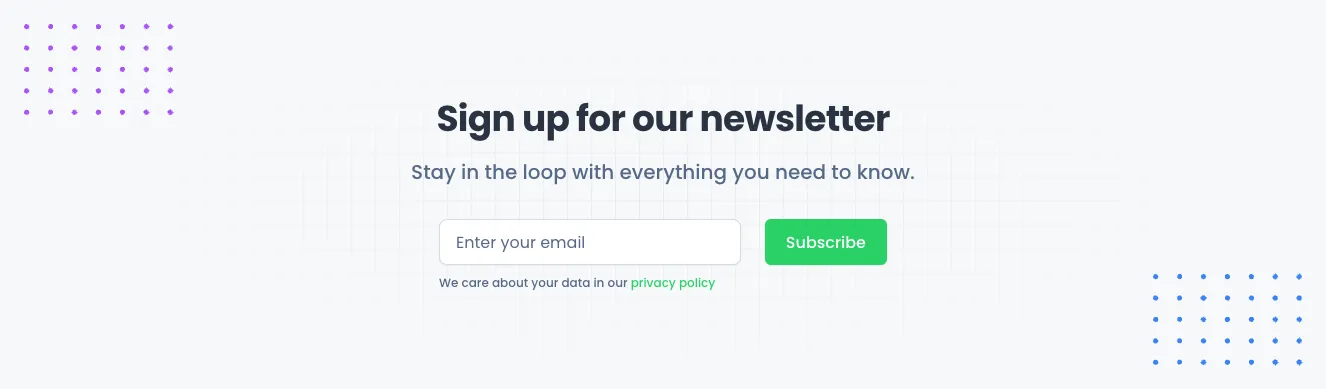
Newsletter Signup Section with Email Input

A centered newsletter subscription section with a bold heading, supporting text, an email input field, and a green Subscribe button, followed by a small privacy policy note. Decorative dot patterns appear in the top-left and bottom-right corners.

Tailwind Component #64

Tailwind Component

Success confirmation modal with Cancel and Confirm actions

A centered white modal dialog over a dimmed gray backdrop, showing a green checkmark icon, the heading "Modal success", a short success message, and two buttons: an outlined Cancel and a solid green Confirm.

Tailwind Component #65

Tailwind Component

Feature Grid with Green Icon Tiles for CRM Capabilities

A marketing feature section with a small FEATURES badge, a centered two-line heading, and supporting text above a 3x2 grid of features. Each feature has a green rounded icon tile, a bold title, and short centered description text on a light background.

Tailwind Component #66

Tailwind Component

Trusted-by logo strip with five company logos

A light gray banner with the caption "Trusted by the top companies in this industry" above a single horizontal row of five company logos: Jiggle, Symtric, Wishelp, Resecurb, and Welytics. The layout is a centered horizontal row used as social proof on a marketing page.

Tailwind Component #67

Tailwind Component

Tailwind Component #68

Tailwind Component

Tailwind Component #69

Tailwind Component

Three-Column Contact Information Section with Green Icons

A horizontal row of three centered contact items (Email, Phone, Office), each with a green circular icon, bold heading, gray supporting text, and green contact details on a light background with a faint grid texture. It presents contact channels in a simple informational layout without form inputs or buttons.

Tailwind Component #70

Tailwind Component

App showcase hero with laptop dashboard mockup and CTA buttons

A centered marketing hero with an 'Application' eyebrow label, a bold heading, and a laptop device mockup displaying a dashboard screenshot with sidebar, chart, and tables. Supporting text and two call-to-action buttons (Learn More and About Us) sit below the mockup.

Tailwind Component #71

Tailwind Component

Pricing Section with Three Plan Cards

A pricing section with a heading and subtitle above three side-by-side white plan cards comparing Basic, Freelancer, and Enterprise subscriptions. Each card lists prices, a billing note, feature checkmarks, and a green Request a Demo button.

Tailwind Component #72

Tailwind Component

Trusted by Top Companies Logo Strip

A horizontal row of five company logos beneath a light gray caption reading 'Trusted by the top companies in this industry'. The section uses social proof to build trust on a light background.

Tailwind Component #73

Tailwind Component

Dark Feature Grid with Green Icon Tiles for CRM Capabilities

A dark-themed feature section with a small FEATURES pill, a centered heading and subtitle, and a 3x2 grid of feature blocks, each with a green rounded icon tile, bold title, and short centered description. It promotes an integrated CRM, project management, and invoicing platform.

Tailwind Component #74

Tailwind Component

Dark Dashboard Sidebar Navigation with User Profile

A vertical dark navigation sidebar for an application dashboard, containing the Flex logo, grouped menu sections (Main Menu, Workspace, Settings) with icon links and expandable items, and a user profile footer with avatar, name, email, and logout icon. The main content area beside it is blank in this capture.

Tailwind Component #75

Tailwind Component

Tailwind Component #76

Tailwind Component

Blog Article Layout with Hero Image, Pull Quote, and Share Links

A long-form article page with a centered byline, title, subtitle, category tag, full-width hero photo, body text with headings, a green-bordered pull quote, an inline image with caption, and a footer with copy link and social share buttons. The content is stacked vertically in a narrow centered column.

Tailwind Component #77

Tailwind Component

Dark Sign-In Form with Email, Password, and Remember Me

A centered dark-themed sign-in card with a logo, heading, email and password fields, a remember-me checkbox, forgot password link, green primary Sign In button, and sign-up prompt. Designed for account authentication with a minimal, spacious layout.

Tailwind Component #78

Tailwind Component

Four-Up Summary Metric Cards with Status Badges

A horizontal row of four white metric cards showing a label, a large centered number, and a colored status pill for each, such as Summary 21 Due Tasks and Overdue 17 Tasks. The cards use a light background with subtle shadows and ellipsis menu icons in their top-right corners, suited to a dashboard overview.

Tailwind Component #79

Tailwind Component

Three-Column Contact Information Section with Green Icons

A contact information section showing Email, Phone, and Office columns, each with a green circular icon, a bold heading, placeholder supporting text, and green contact details. The light gray wavy background and centered three-column layout give it a simple informational presentation.

Tailwind Component #80

Tailwind Component

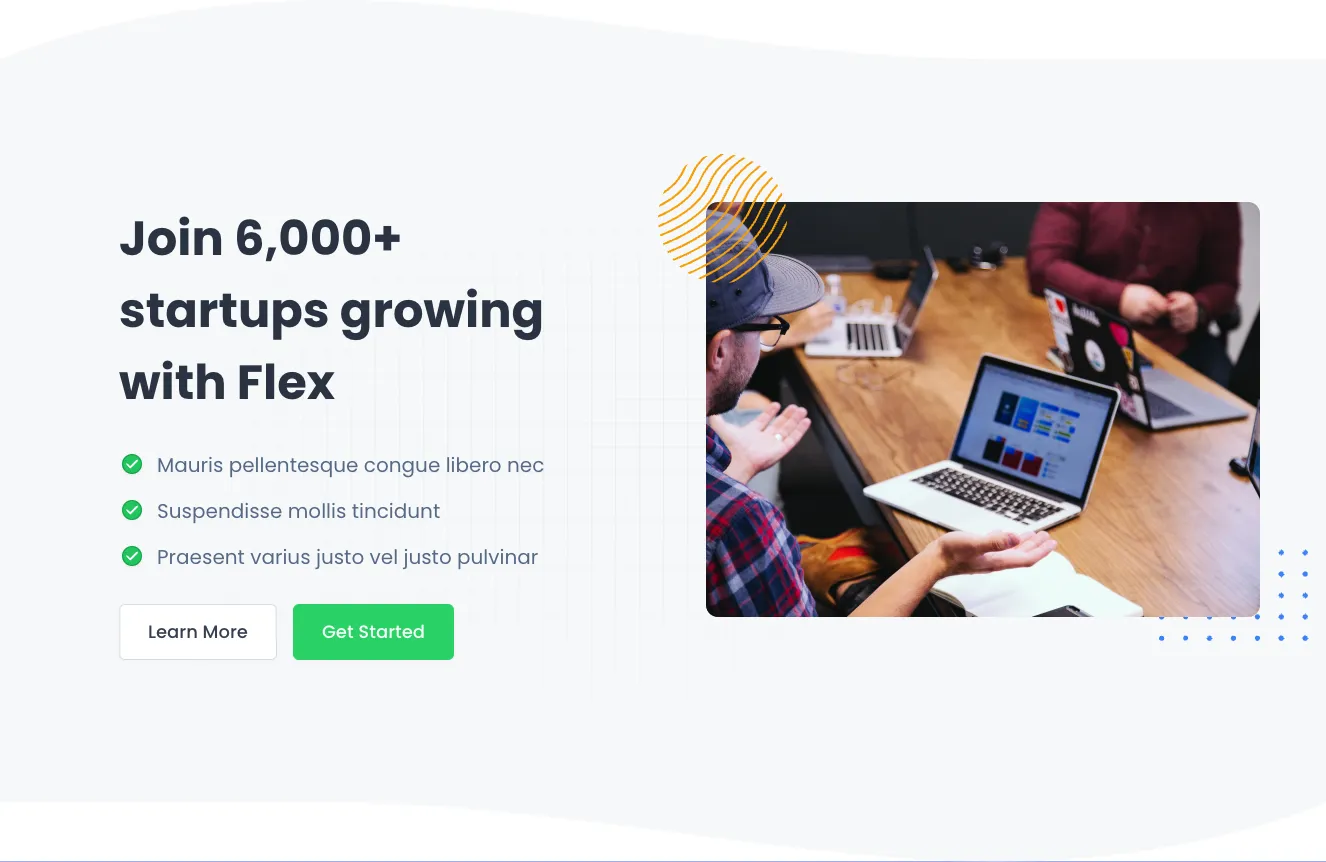
Split-screen hero with heading, checklist, CTA buttons and workspace photo

A landing page hero section with a bold multi-line heading, three green-checked feature bullets, and Learn More and Get Started buttons on the left, paired with a photograph of people working around a laptop on the right. Decorative yellow line-art and blue dot accents frame the image on a light gray background.

The easiest way to create beautiful websites

The selected plan includes lifetime access to Shuffle Editor.

Lifetime License

Create an account

OR USE EMAIL

VAT included where applicable. Invoices provided.

Why creators choose Shuffle

From idea to beautiful design in minutes.

Shuffle pairs an AI visual editor with 80+ UI libraries, so you can design, build and export production‑ready code without starting from scratch.

  • An AI Agent that builds with you Describe a page, watch it come to life, then fine-tune it visually or with a prompt.
  • Pick the best model for every task GPT-6 Astra, Claude Opus 5.5 and Gemini 4 Argon in one place.
  • 13,400+ professionally designed components Prefer building by hand? Drag in pixel-perfect sections crafted by professional designers.
  • Export to the stack you love Next.js, Astro, Laravel, WordPress, Shopify, static HTML and beyond.
“Its AI-powered features have transformed how I work! Designing and building websites has become faster, easier, and far more efficient.”
Est. 2019
Helping web builders ship since 2019 7 years of steady development.

Make it yours with AI

Start with this component. Tell AI what to change.

Original
Preview the original component.
Your Version
Available when your generation is complete.
Code
Available when your generation is complete.
Original component

Add images & videos

Upload an asset, then tell AI how to use it.

How it works

Your uploaded file will be added directly to the generated component. After uploading, you can guide the AI on where exactly to use it, e.g. as a logo or as a section image.

© 2026 Shuffle. All rights reserved.