Can't find the right component?
Describe it and Shuffle AI builds it in seconds, ready to edit and export.
Browse 291 ready-made application components from multiple UI libraries. Every variant is fully responsive – copy the code or customize it in the visual editor and export clean code.
Create a free account to copy production-ready code from every component in the library.
Free account · No credit card · No password needed
Already have an account? Sign in
Components are just the start. See how a project goes from prompt to production‑ready code with Shuffle.
A light-themed marketing hero with a badge, serif-italic accented headline, supporting paragraph, email input with orange trial CTA, and social proof stats on the left, paired with a browser-framed dashboard illustration on the right. The dashboard contents are illustrative screenshots rather than controls of the outer component.
Create a free account to copy production-ready code from every component in the library.
Free account · No credit card · No password needed
Already have an account? Sign in
Components are just the start. See how a project goes from prompt to production‑ready code with Shuffle.
Create a free account to copy production-ready code from every component in the library.
Free account · No credit card · No password needed
Already have an account? Sign in
Components are just the start. See how a project goes from prompt to production‑ready code with Shuffle.
A marketing hero section with an eyebrow label, bold headline, body text, App Store download button, and social proof rating on the left, paired with an angled phone mockup showing an email inbox on the right. The layout is a split screen on a light background with a subtle green gradient glow.
Create a free account to copy production-ready code from every component in the library.
Free account · No credit card · No password needed
Already have an account? Sign in
Components are just the start. See how a project goes from prompt to production‑ready code with Shuffle.
Create a free account to copy production-ready code from every component in the library.
Free account · No credit card · No password needed
Already have an account? Sign in
Components are just the start. See how a project goes from prompt to production‑ready code with Shuffle.
Create a free account to copy production-ready code from every component in the library.
Free account · No credit card · No password needed
Already have an account? Sign in
Components are just the start. See how a project goes from prompt to production‑ready code with Shuffle.
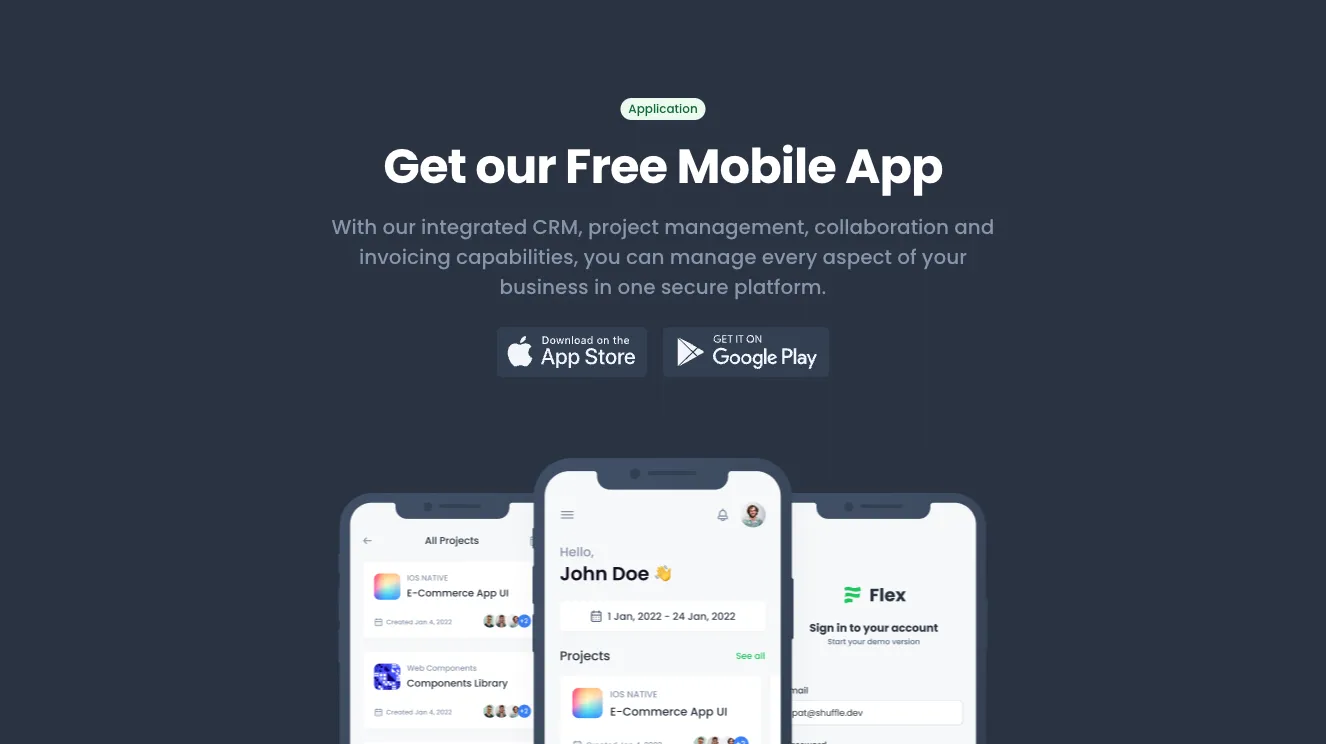
A split-layout marketing hero promoting a mobile app, with a bold heading, short body text, and App Store and Google Play download badges on the left and a phone device mockup showing a mountain landscape on the right.
Create a free account to copy production-ready code from every component in the library.
Free account · No credit card · No password needed
Already have an account? Sign in
Components are just the start. See how a project goes from prompt to production‑ready code with Shuffle.
Create a free account to copy production-ready code from every component in the library.
Free account · No credit card · No password needed
Already have an account? Sign in
Components are just the start. See how a project goes from prompt to production‑ready code with Shuffle.
A dark-background marketing hero section with a small blue eyebrow label, a bold two-line heading, supporting paragraph text, and an App Store download badge on the left. A phone mockup held by a hand, showing a lock screen with a music playback card, occupies the right side.
Create a free account to copy production-ready code from every component in the library.
Free account · No credit card · No password needed
Already have an account? Sign in
Components are just the start. See how a project goes from prompt to production‑ready code with Shuffle.
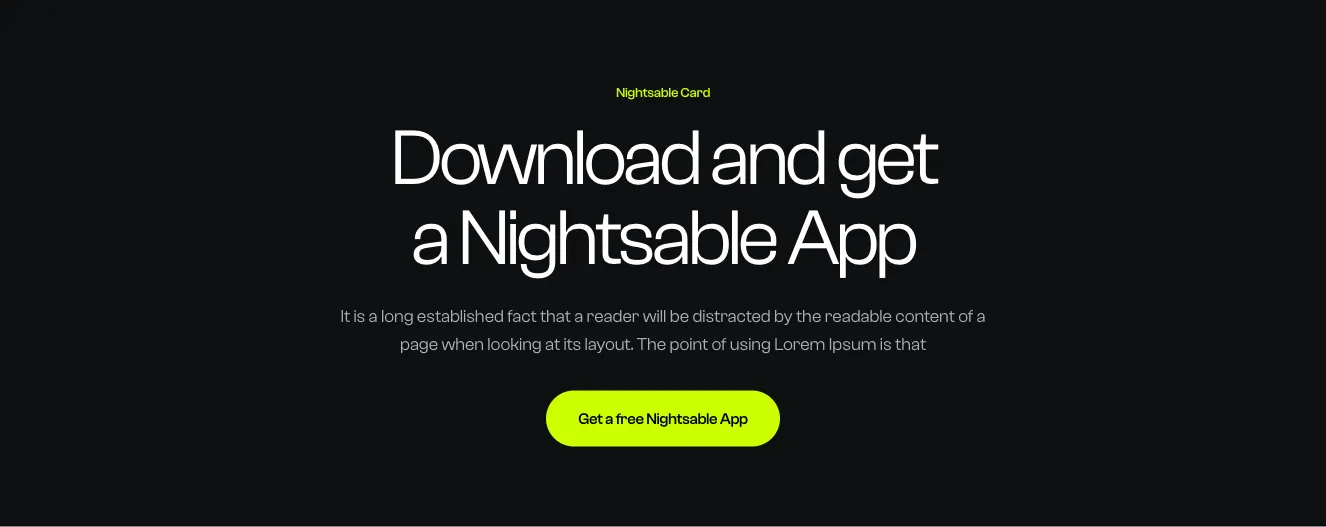
A dark marketing section promoting the Nightsable app, featuring a tilted phone mockup showing a balance and crypto asset cards on the left, and a heading, short description, and App Store and Google Play download badges on the right. The lime-green eyebrow label and star accent add a single highlight against the dark background.
Create a free account to copy production-ready code from every component in the library.
Free account · No credit card · No password needed
Already have an account? Sign in
Components are just the start. See how a project goes from prompt to production‑ready code with Shuffle.
Create a free account to copy production-ready code from every component in the library.
Free account · No credit card · No password needed
Already have an account? Sign in
Components are just the start. See how a project goes from prompt to production‑ready code with Shuffle.
Create a free account to copy production-ready code from every component in the library.
Free account · No credit card · No password needed
Already have an account? Sign in
Components are just the start. See how a project goes from prompt to production‑ready code with Shuffle.
A centered marketing hero section with a small eyebrow label, a bold dark-navy heading, gray supporting text, and App Store and Google Play download badges. Three outlined phone mockups with blank screens sit below the call to action, promoting a mobile app.
Create a free account to copy production-ready code from every component in the library.
Free account · No credit card · No password needed
Already have an account? Sign in
Components are just the start. See how a project goes from prompt to production‑ready code with Shuffle.
Create a free account to copy production-ready code from every component in the library.
Free account · No credit card · No password needed
Already have an account? Sign in
Components are just the start. See how a project goes from prompt to production‑ready code with Shuffle.
A centered hero section promoting the Zospace mobile app, with a large heading, supporting text, a blue Download button, and a phone device mockup surrounded by floating analytics and status cards. The layout stacks content vertically on a light background.
Create a free account to copy production-ready code from every component in the library.
Free account · No credit card · No password needed
Already have an account? Sign in
Components are just the start. See how a project goes from prompt to production‑ready code with Shuffle.
A marketing section promoting a furniture configurator app, with a bold heading, two feature blurbs with icons, and a purple Download Application button on the left. A phone mockup on the right shows an app screen with a chair product card, color swatches, and sidebar icons.
Create a free account to copy production-ready code from every component in the library.
Free account · No credit card · No password needed
Already have an account? Sign in
Components are just the start. See how a project goes from prompt to production‑ready code with Shuffle.
Create a free account to copy production-ready code from every component in the library.
Free account · No credit card · No password needed
Already have an account? Sign in
Components are just the start. See how a project goes from prompt to production‑ready code with Shuffle.
Create a free account to copy production-ready code from every component in the library.
Free account · No credit card · No password needed
Already have an account? Sign in
Components are just the start. See how a project goes from prompt to production‑ready code with Shuffle.
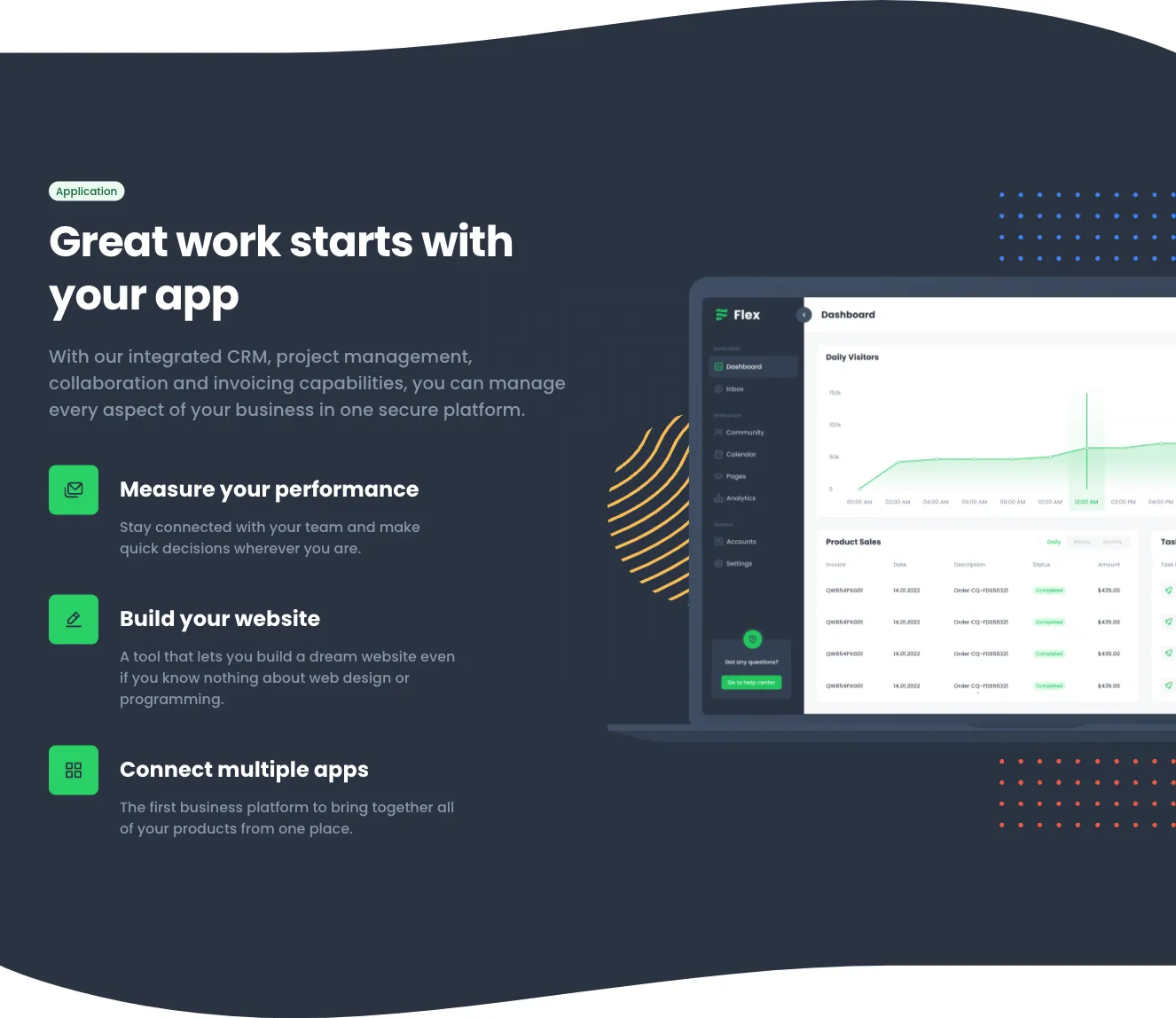
A centered marketing hero with an 'Application' eyebrow label, a bold heading, and a laptop device mockup displaying a dashboard screenshot with sidebar, chart, and tables. Supporting text and two call-to-action buttons (Learn More and About Us) sit below the mockup.
Create a free account to copy production-ready code from every component in the library.
Free account · No credit card · No password needed
Already have an account? Sign in
Components are just the start. See how a project goes from prompt to production‑ready code with Shuffle.
Create a free account to copy production-ready code from every component in the library.
Free account · No credit card · No password needed
Already have an account? Sign in
Components are just the start. See how a project goes from prompt to production‑ready code with Shuffle.
A light-background hero section promoting an app with a bold headline "Download app wherever you are." and a blue "Download now" button on the left, while a pair of hands holds a phone mockup showing a profile screen with floating feature chips on the right.
Choose from 291 variations of Application UI components. Presented here are variants available in various UI libraries.
Get access to all UI components, code, and our visual editor. Try the demo for free!
How you’ll build with Shuffle.
© 2026 Shuffle. All rights reserved.
See what you're getting before you commit.
Switch the editor to Grid and every page of your project appears side by side on one canvas. Arrange them freely, zoom in and out, and add as many new pages as you need in a few clicks.
Describe what you need in one chat and the Agent does the rest: it adds new sections, edits copy and styles, moves blocks around or removes them across your whole page. No modes, no switching, just tell it what to change.
Not quite there yet? Ask for tweaks like missing assets, your logo or other details, and regenerate the design without starting from scratch.