Redirecting to PayPal

Features UI Components – Nigodo Library

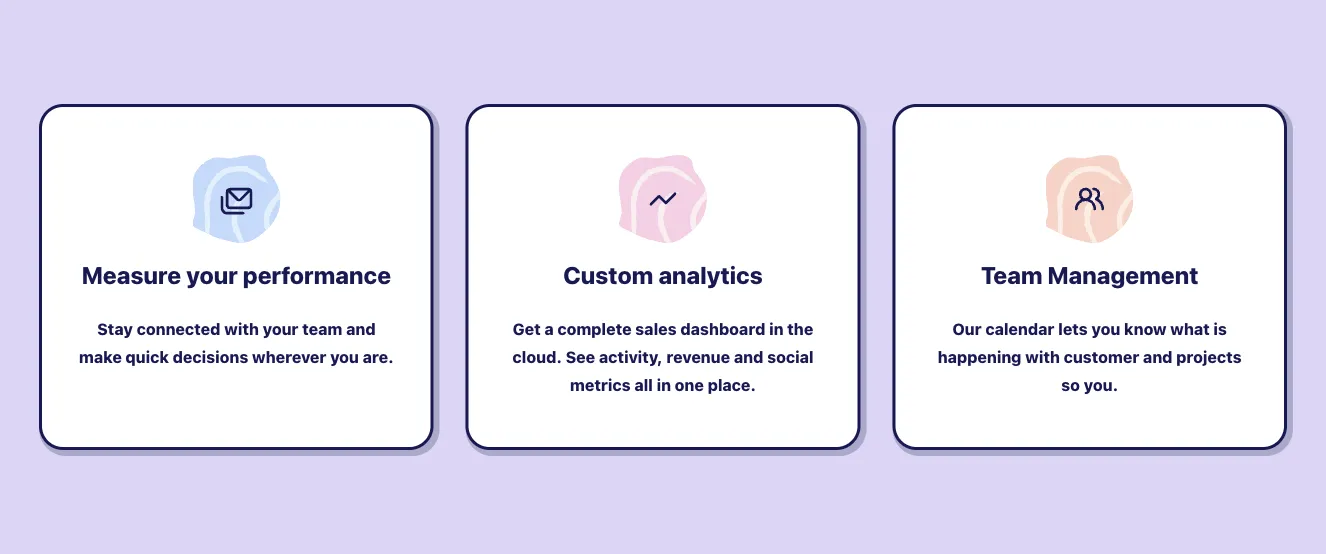
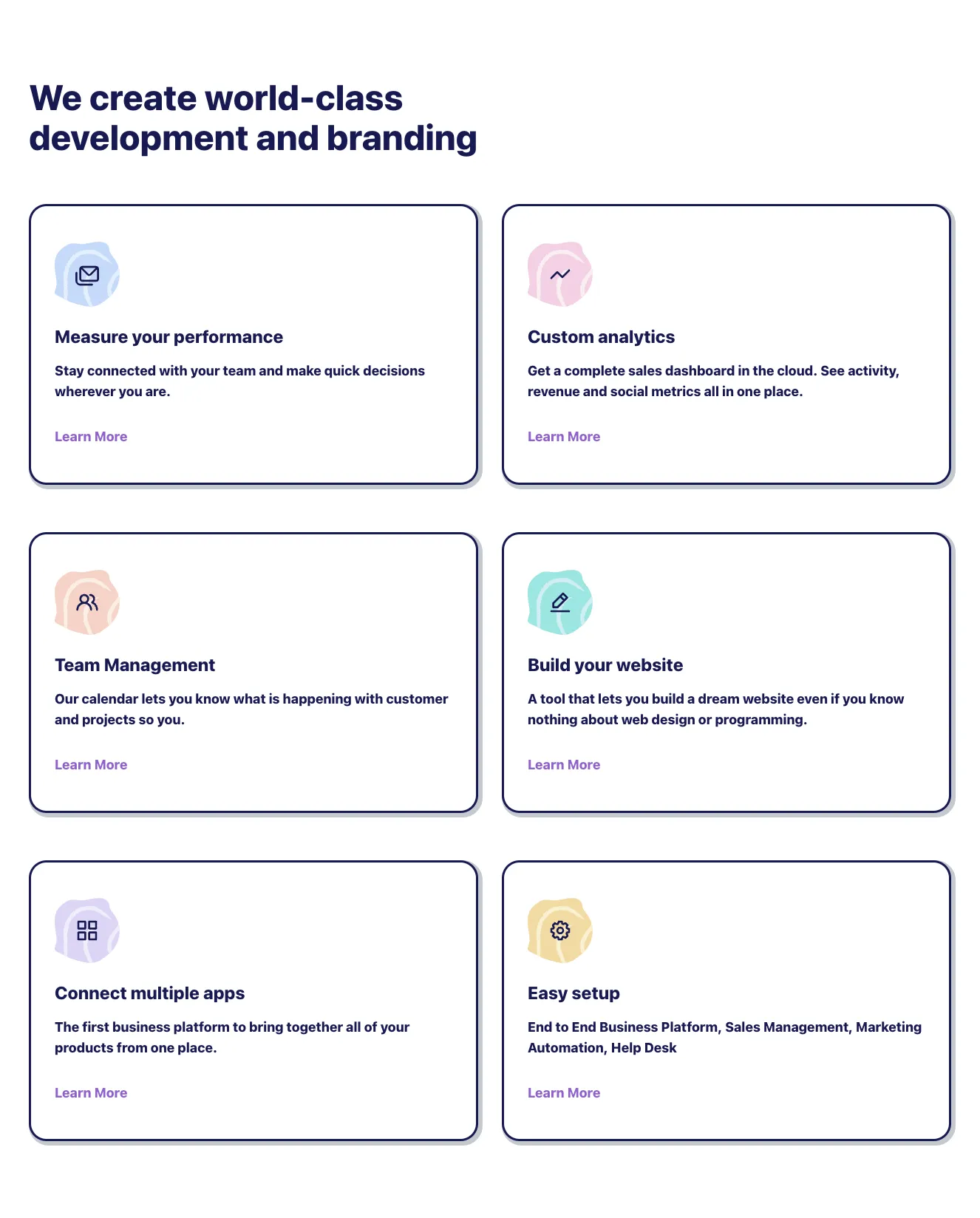
Browse 28 ready-made features components from the Nigodo UI library. Every variant is fully responsive – copy the code or customize it in the visual editor and export clean code.

Features from Nigodo

Features Component
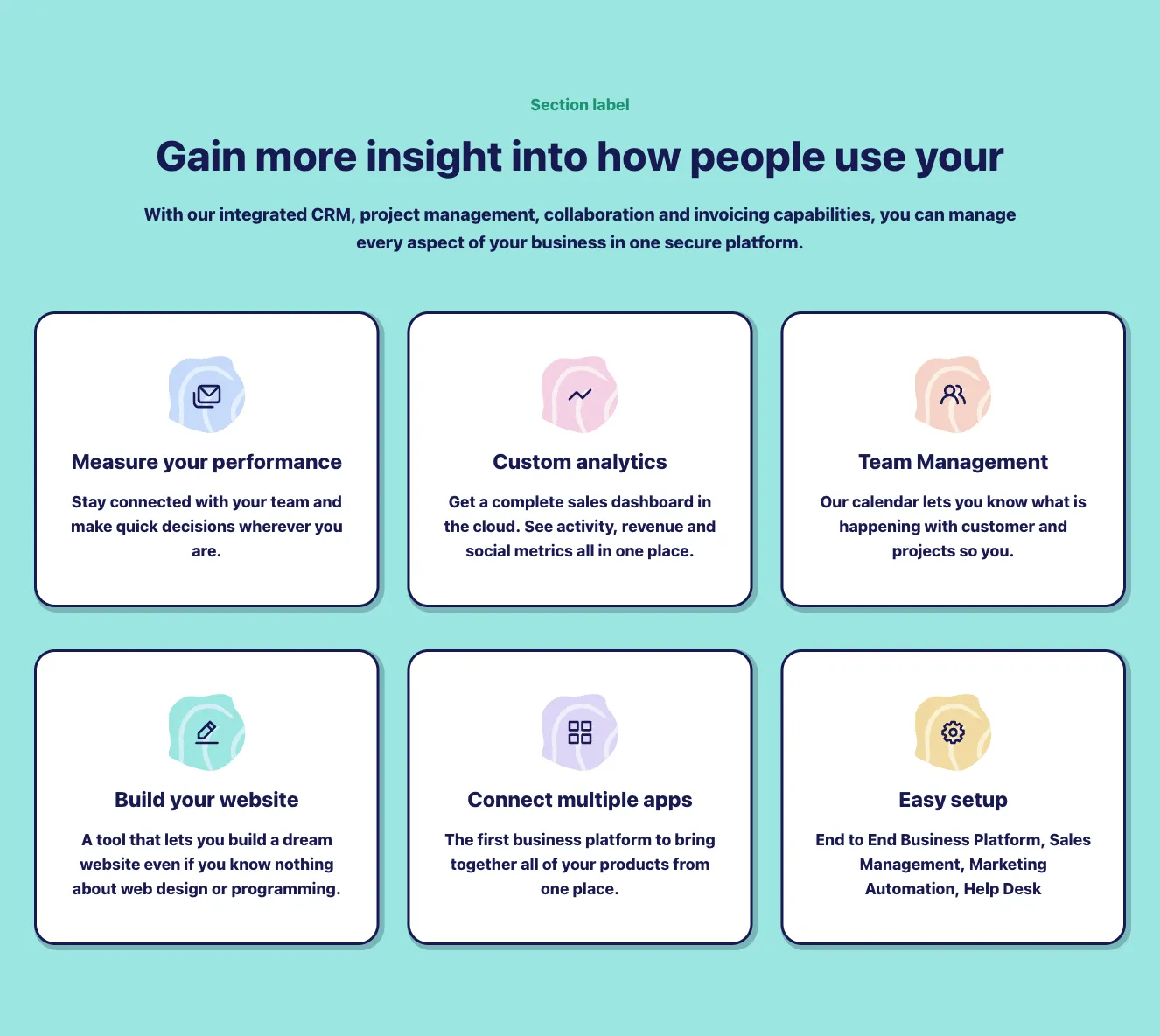
Features component #1
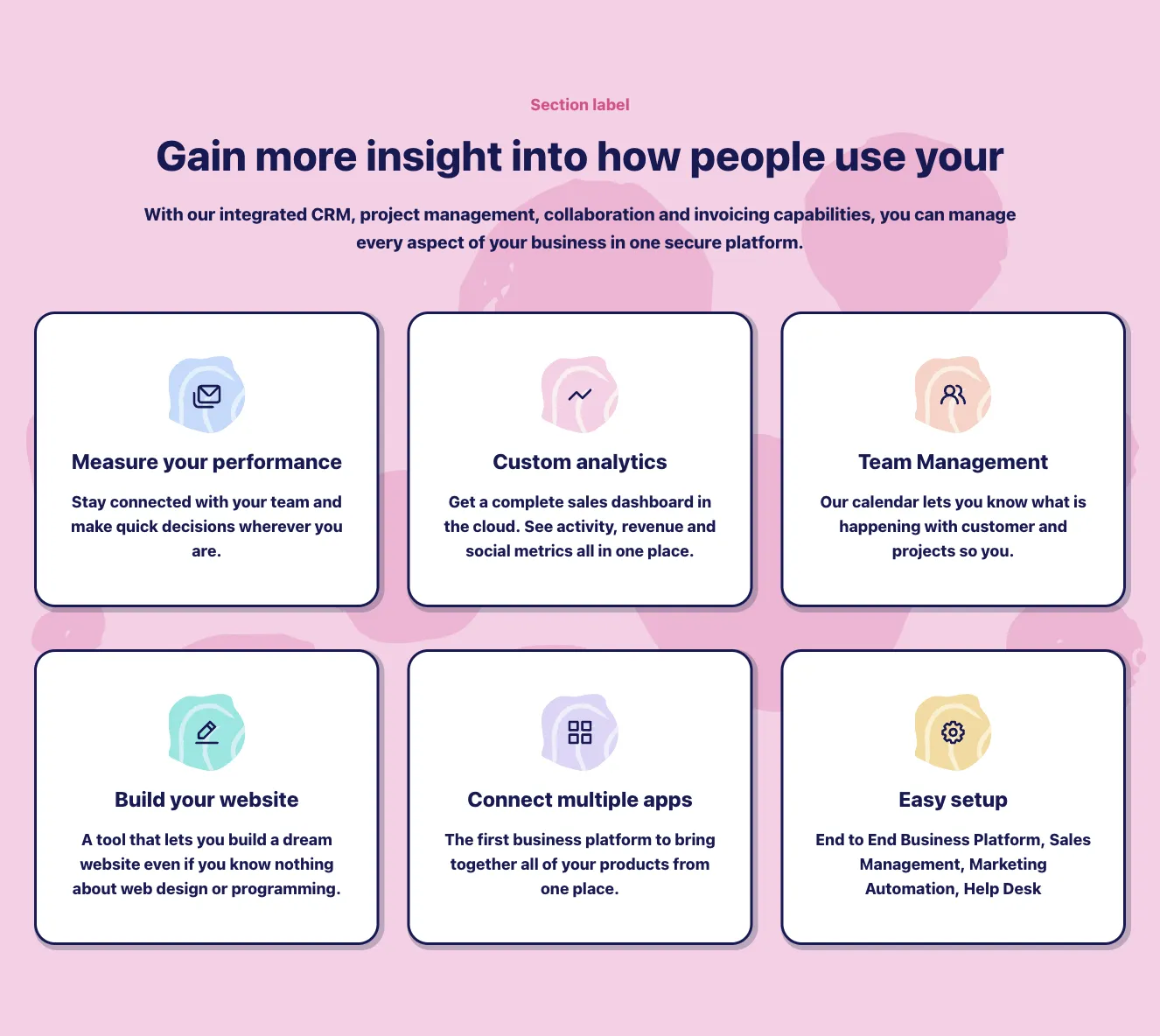
Features component #2
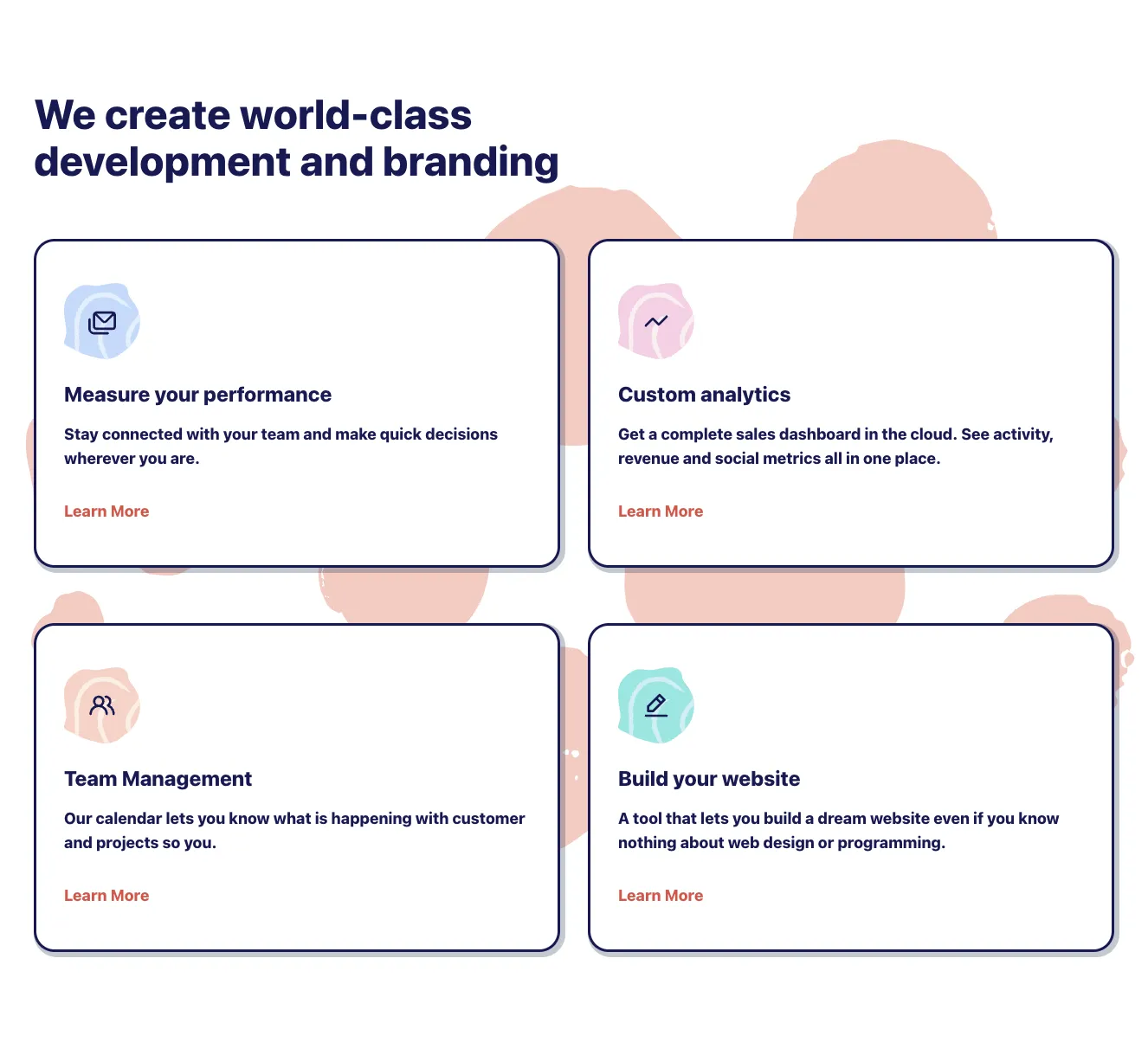
Features component #3
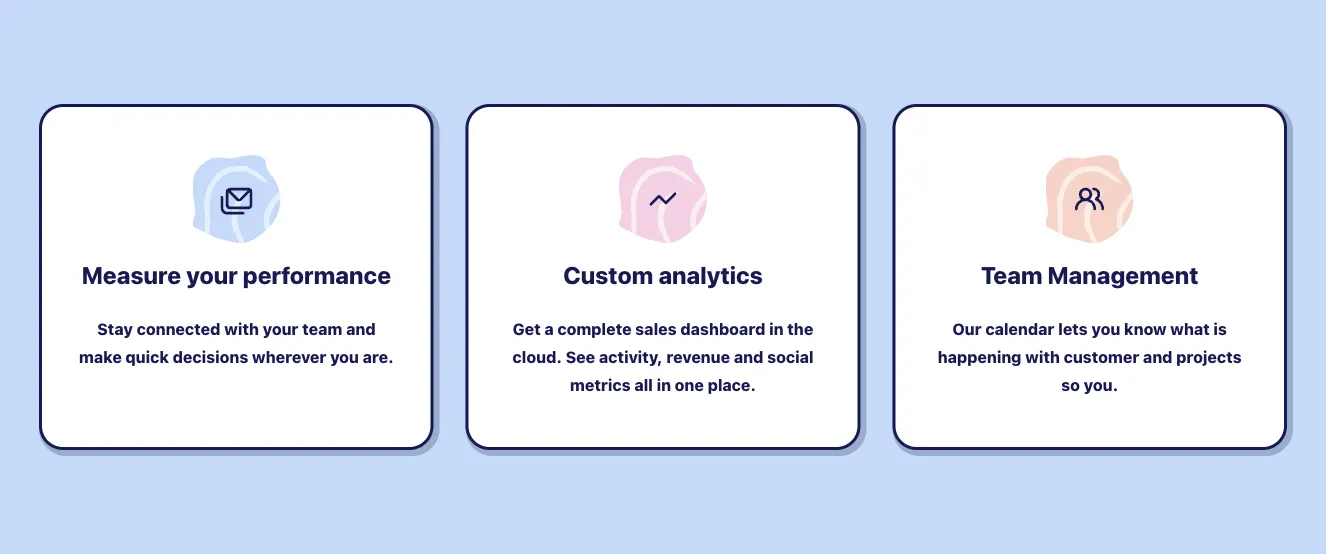
Features component #4
Features component #5
Features component #6
Features component #7
Features component #8
Features component #9
Features component #10
Features component #11
Features component #12
Features component #13
Features component #14
Features component #15
Features component #16
Features component #17
Features component #18
Features component #19
Features component #20
Features component #21
Features component #22
Features component #23
Features component #24
Features component #25
Features component #26
Features component #27
Features component #28
Features component #29
Features component #30
Features component #31
Features component #32
Features component #33
Features component #34
Features component #35
Features component #36
Features component #37
Features component #38
Features component #39
Features component #40
Features component #41
Features component #42
Features component #43
Features component #44
Features component #45
Features component #46
Features component #47
Features component #48
Features component #49
Features component #50
Features component #51
Features component #52
Features component #53
Features component #54
Features component #55
Features component #56
Features component #57
Features component #58
Features component #59
Features component #60
Features component #61
Features component #62
Features component #63
Features component #64
Features component #65
Features component #66
Features component #67
Features component #68
Features component #69
Features component #70
Features component #71
Features component #72
Features component #73
Features component #74
Features component #75
Features component #76
Features component #77
Features component #78
Features component #79
Features component #80
Features component #81
Features component #82
Features component #83
Features component #84
Features component #85
Features component #86
Features component #87
Features component #88
Features component #89
Features component #90
Features component #91
Features component #92
Features component #93
Features component #94
Features component #95
Features component #96
Features component #97
Features component #98
Features component #99
Features component #100
Features component #101
Features component #102
Features component #103
Features component #104
Features component #105
Features component #106
Features component #107
Features component #108
Features component #109
Features component #110
Features component #111
Features component #112
Features component #113
Features component #114
Features component #115
Features component #116
Features component #117
Features component #118
Features component #119
Features component #120
Features component #121
Features component #122
Features component #123
Features component #124
Features component #125
Features component #126
Features component #127
Features component #128
Features component #129
Features component #130
Features component #131
Features component #132
Features component #133
Features component #134
Features component #135
Features component #136
Features component #137
Features component #138
Features component #139
Features component #140
Features component #141
Features component #142
Features component #143
Features component #144
Features component #145
Features component #146
Features component #147
Features component #148
Features component #149
Features component #150
Features component #151
Features component #152
Features component #153
Features component #154
Features component #155
Features component #156
Features component #157
Features component #158
Features component #159
Features component #160
Features component #161
Features component #162
Features component #163
Features component #164
Features component #165
Features component #166
Features component #167
Features component #168
Features component #169
Features component #170
Features component #171
Features component #172
Features component #173
Features component #174
Features component #175
Features component #176
Features component #177
Features component #178
Features component #179
Features component #180
Features component #181
Features component #182
Features component #183
Features component #184
Features component #185
Features component #186
Features component #187
Features component #188
Features component #189
Features component #190
Features component #191
Features component #192
Features component #193
Features component #194
Features component #195
Features component #196
Features component #197
Features component #198
Features component #199
Features component #200
Features component #201
Features component #202
Features component #203
Features component #204
Features component #205
Features component #206
Features component #207
Features component #208
Features component #209
Features component #210
Features component #211
Features component #212
Features component #213
Features component #214
Features component #215
Features component #216
Features component #217
Features component #218
Features component #219
Features component #220
Features component #221
Features component #222
Features component #223
Features component #224

Features Components by Shuffle

Choose from 28 variations of Features UI components. Presented here are variants available in Nigodo library.

You will also find many other types of components in Shuffle Editor that will be in the same style. Each library has been designed by a professional designer and coded by our team of developers.

Get access to all Features UI components, code and our visual editor. Try the demo for free!

The easiest way to create beautiful websites

Lifetime License

Create an account

OR USE EMAIL

We issue VAT invoices. Already have an account? Sign in

Why creators choose Shuffle

From idea to beautiful design in minutes.

Shuffle pairs an AI visual editor with 80+ UI libraries, so you can design, build and export production‑ready code without starting from scratch.

  • An AI Agent that builds with you Describe a page, watch it come to life, then fine-tune it visually or with a prompt.
  • Pick the best model for every task GPT-6 Astra, Claude Opus 5.5 and Gemini 3.8 in one place.
  • 13,400+ professionally designed components Prefer building by hand? Drag in pixel-perfect sections crafted by professional designers.
  • Export to the stack you love Tailwind CSS, Bootstrap, Next.js, Laravel, WordPress and beyond.
“Its AI-powered features have transformed how I work! Designing and building websites has become faster, easier, and far more efficient.”
Est. 2019
Helping web builders ship since 2019 7 years of steady development.
Price goes up on October 11

Get Shuffle for life at today's price

$199 $399 Save $200

Today's price ends in

00 days
00 hours
00 min
00 sec

On October 11, the Lifetime License goes up to $399. Buy it today for $199 and you also get 2.5 million AI tokens for Claude, Gemini and GPT, plus every update we ship, for life.

2.5M Bonus AI tokens includedUse them with Claude, Gemini and GPT models.

New in every Lifetime License

A more capable AI Agent

Edit your whole project in one message, then fine-tune the result visually.

Shopify theme export

Turn any design into a ready-to-upload Online Store 2.0 theme.

Multi-AI Designer

Compare designs from Claude, GPT and Gemini, and regenerate any UI with your own assets.

One-time payment · No subscription · All future updates included

Make it yours with AI

Start with this component. Tell AI what to change.

Original
Preview the original component.
Your Version
Available when your generation is complete.
Code
Available when your generation is complete.
Original component

Add images & videos

Upload an asset, then tell AI how to use it.
How it works

Your uploaded file will be added directly to the generated component. After uploading, you can guide the AI on where exactly to use it, e.g. as a logo or as a section image.

© 2026 Shuffle. All rights reserved.