Use the free SVG wave generator and create a series of unique waves for your website or design. You are one click away from a cool new idea!
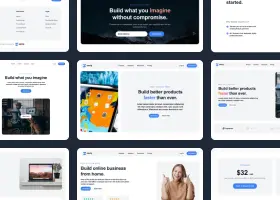
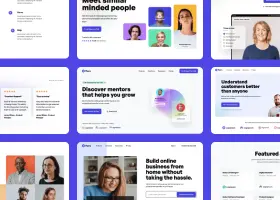
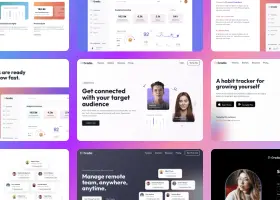
In the prompt describe the website you want to create and Shuffle will design four different landing pages at once.


At Shuffle, we support developers with all the resources they need to make creating pages fast and fun. In addition to the editor, almost every page needs graphics to give it a unique feel, and finding them can be a problem. Wave is a good background for almost any page, so it is a great addition to our editor.
We plan to add more patterns and tools to make working in Shuffle even faster and more enjoyable.


Choose the correct resolution and dimensions for the wave and add the colors that you plan to use on the template. Use RGB settings to avoid inconsistencies. Play around with the dimension and edge configuration for a while. Also choose the position in which it should be placed. Download a couple of variants and test how they are displayed in the intended position.
Sometimes it's hard to decide what the main graphic on a website should be. The visual identity of abstract businesses or projects does not always have to involve a specific image or shape. That's why the wave pattern generator will give you a neutral shape that will help you captivate your audience with text.
Scalable Vector Graphics (SVG) is a universal two-dimensional vector graphics format, also used in animations. It was created for use on the WWW pages. Thanks to the fact that it is vector, it does not create problems with scaling and resolution changes on different devices.

Build websites faster with an AI Visual Editor


© 2026 Shuffle. All rights reserved.
See what you're getting before you commit.
Switch the editor to Grid and every page of your project appears side by side on one canvas. Arrange them freely, zoom in and out, and add as many new pages as you need in a few clicks.
Describe what you need in one chat and the Agent does the rest: it adds new sections, edits copy and styles, moves blocks around or removes them across your whole page. No modes, no switching, just tell it what to change.
Not quite there yet? Ask for tweaks like missing assets, your logo or other details, and regenerate the design without starting from scratch.