











AI Website Redesign Browser Extension: Redesign Local and Protected Websites

Benedykt Michalski
Inspirational Writer


If you want to redesign an existing website with AI, a public URL is not always enough. Many real projects live behind logins, on staging domains, or on localhost during development. That is exactly where the AI Website Redesign browser extension becomes useful. It lets you work with websites that are not publicly accessible, while keeping the same core workflow: describe your vision, generate multiple redesign directions side by side, choose the strongest concept, and continue editing it visually in Shuffle.
This makes the extension a practical addition to our broader AI redesign workflow. In our main guide, we explain how to use AI to analyze a site, set goals, generate a draft, refine it visually, and export clean code. The extension does not replace that process. It simply removes one of the biggest limitations: access to websites that are private, unfinished, or only available in development environments.
A few examples where this is especially helpful:
- redesigning a SaaS app behind authentication
- exploring a new UI direction on a staging environment
- testing redesign ideas on a localhost build before deployment
- preparing client proposals for websites that are not publicly accessible yet
Instead of publishing a temporary version of the site just to test AI redesign, you can stay in your normal browser workflow and move directly into ideation. That is faster, cleaner, and much more realistic for product teams and agencies.
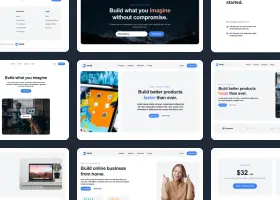
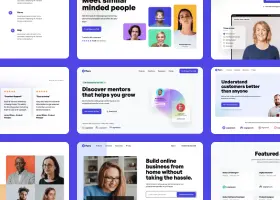
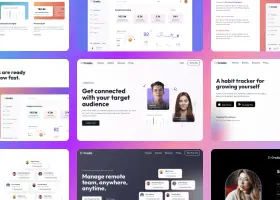
The extension follows the same product logic as AI Website Redesign itself. You visit a page, describe what you want to improve, and watch multiple AI models generate redesign concepts side by side. Then you pick the direction you like most and continue refining it in Shuffle. On the Firefox listing, the screenshots and description also emphasize previewing projects, exporting to frameworks like Next.js, Laravel, and WordPress, and making further edits in Shuffle Editor.
Another useful detail is browser coverage. The extension is available for both Chrome and Firefox, which makes it easier to use across different developer and client workflows.
If you already read our guide on how to redesign an existing website using AI, think of this extension as the missing link for real-world projects. The guide explains the methodology. The browser extension makes that methodology usable even when the site is not publicly available.
Try the extension: