













Why Do Most AI-Generated Websites Look the Same?

Benedykt Michalski
Inspirational Writer


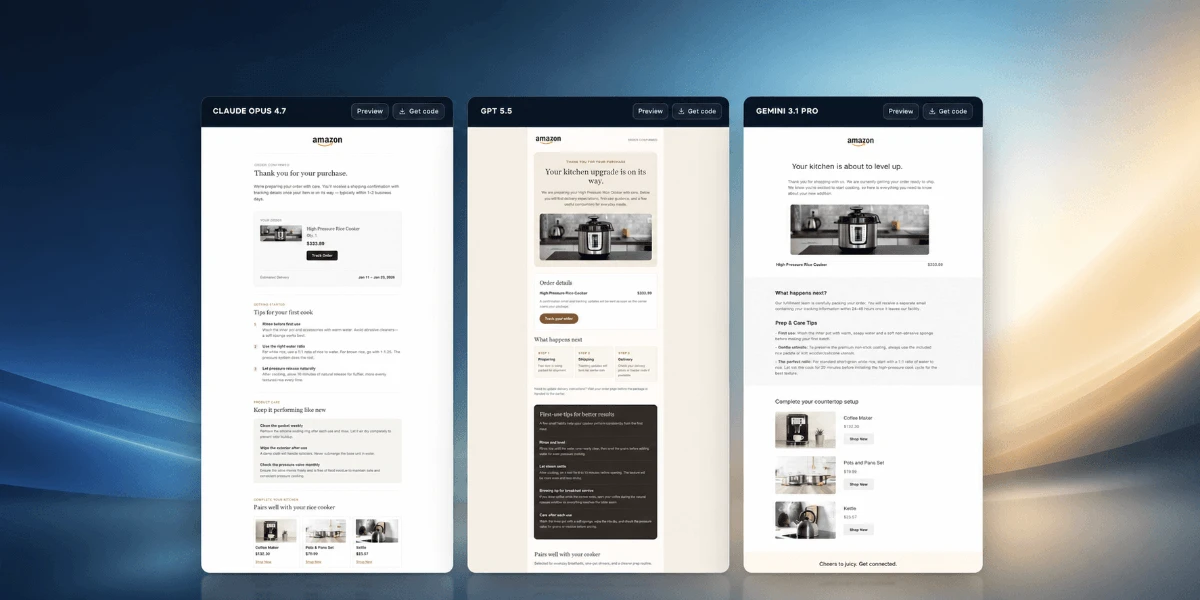
Most AI-generated websites look the same because they are created from vague prompts that lack layout structure, design constraints, and clear visual intent.
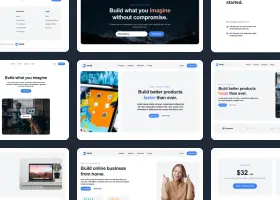
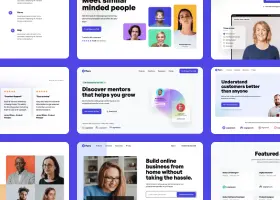
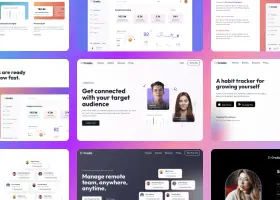
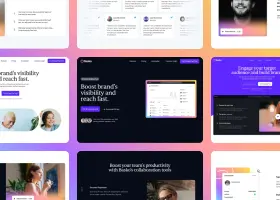
AI doesn’t “design” websites – it predicts patterns. When users ask for “a modern SaaS website” without further direction, the model defaults to the most statistically common layout it has seen: hero section, three feature cards, testimonials, pricing, CTA. The result is fast, but generic.
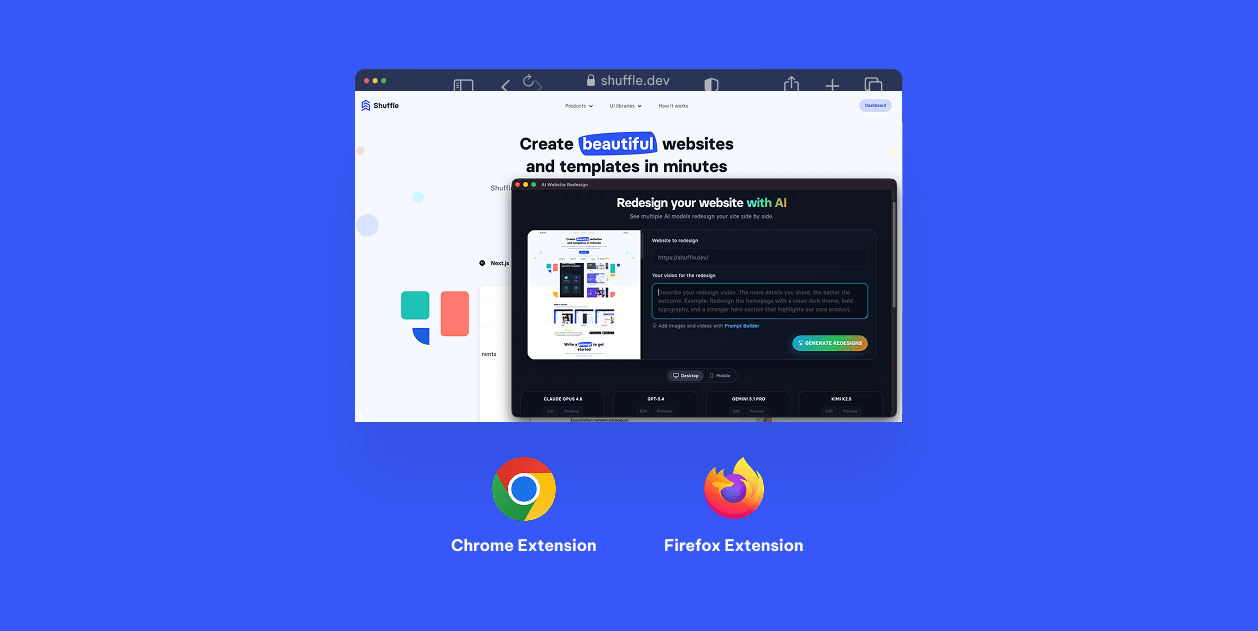
Try AI Website Redesign on Your Site →
Below is why this happens and how professionals avoid it.
AI Generates Patterns, Not Original Design
Large language and multimodal models are trained on massive datasets of existing websites. Their goal is not originality but probability.
When your prompt is underspecified, AI will:
- Choose the safest, most common layout
- Reuse popular UI patterns
- Apply generic spacing, typography, and color choices
This is why so many AI-generated websites feel interchangeable. The AI is doing exactly what it was trained to do.
The Real Problem: Prompts Without Constraints
Most users describe what they want, but not how it should be structured.
Bad prompt:
“Generate a clean, modern landing page for a startup.”
What’s missing:
- Layout hierarchy
- Section composition rules
- Visual weight and rhythm
- Style boundaries
- Component reuse logic
Without constraints, AI fills the gaps with defaults.
Professionals Don’t Prompt – They Direct
Experienced designers and product teams approach AI differently. They treat it as an execution engine, not a creative brain.
Instead of asking for “a website,” they define:
- Page sections and order
- Layout logic (grid, columns, emphasis)
- Style direction (minimal vs expressive, dense vs airy)
- Target audience and conversion goal
AI performs best when decisions are made before generation, not during.
Why Most Tools Make This Worse
Many AI website generators optimize for speed, not control.
They:
- Hide structure behind a single input field
- Encourage short, vague prompts
- Offer minimal layout or style guidance
This lowers the barrier to entry – but guarantees similar outputs.
How to Make AI-Generated Websites Look Unique
To escape sameness, you must guide the AI with intent.
High-quality inputs include:
- Explicit layout sections (not just content ideas)
- Clear visual preferences and exclusions
- Design references or style descriptors
- Functional goals for each section
This is exactly why guided prompt systems outperform free-form prompting.
The Role of Prompt Builders
Tools like Shuffle AI Prompt Builder solve the “same-looking website” problem by turning vague ideas into structured design instructions.
Instead of writing a prompt from scratch, users:
- Choose layout patterns intentionally
- Define style and density preferences
- Set boundaries before generation
The result is not just faster output – but predictable, differentiated design.
Final Thought
AI doesn’t lack creativity. It lacks direction.
If your AI-generated website looks generic, the problem is not the model – it’s the input. Structure, constraints, and design intent are what turn AI from a template machine into a real web design tool.