















How to Redesign an Existing Website Using AI?

Benedykt Michalski
Inspirational Writer


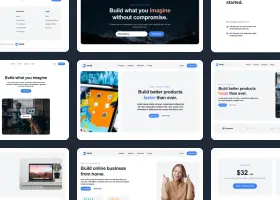
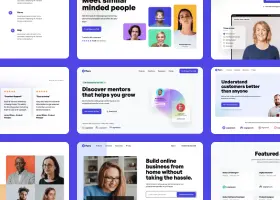
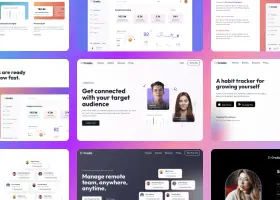
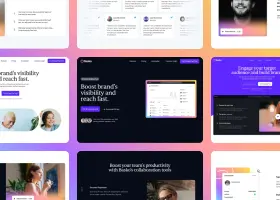
With Shuffle Editor, you can redesign any website by simply providing its URL. Using Redesign Mode together with the Prompt Builder, you generate a new design draft, refine it in the visual editor, and integrate the updated code seamlessly with AI coding assistants like Claude Code or GitHub Copilot. This approach compresses months of work into a streamlined workflow while maintaining full control over the final product.
Try AI Website Redesign on Your Site →
Why AI Redesign Matters
Studies show that 38% of users leave a website if the design feels outdated (Adobe, 2025). Updating your website regularly improves user engagement and conversion rates. AI-powered redesigns can reduce manual front-end work by up to 60%, letting teams focus on strategy instead of repetitive tasks.
Step 1: Analyze and Set Goals
Before touching any tools, clarify the “why”:
- Audit your current site: what works, what’s broken, and what should improve.
- Define objectives: better conversion, modernized aesthetics, or improved usability.
- Document key design principles for AI: this ensures the output aligns with your goals, not just trends.
Step 2: Generate a Draft in Shuffle Redesign Mode
- Open Redesign Mode in Shuffle.
- Paste your website URL.
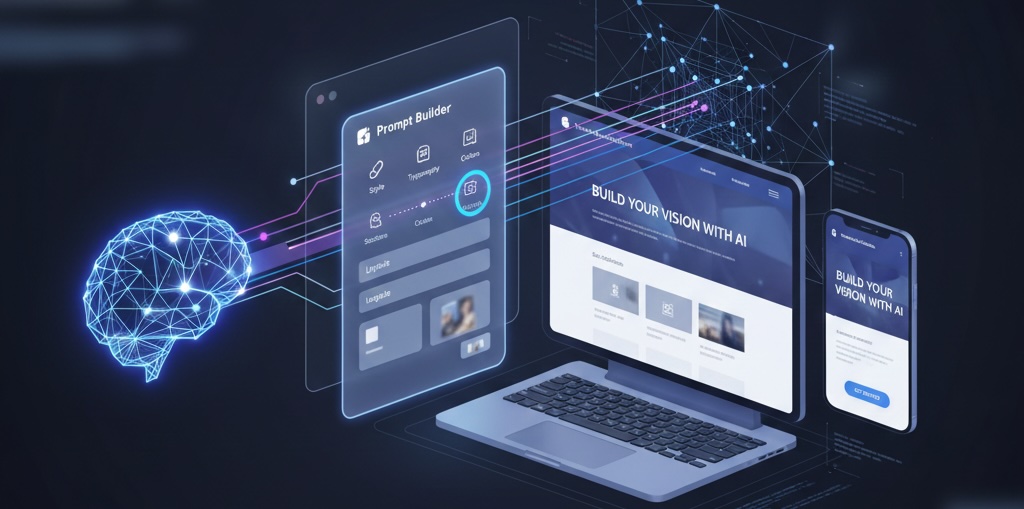
- Add instructions in the prompt field-ideally via Prompt Builder.
Prompt Tips:
- Goal: e.g., “Increase trust and conversion for SaaS product”
- Specific Changes: “Modernize hero section, card-based testimonials, cleaner navigation.”
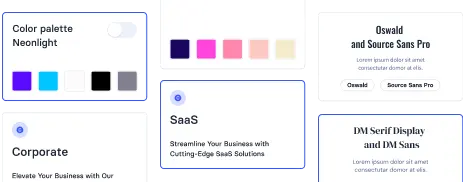
- Style & Feel: “Minimalist layout, deep blue & teal palette, readable modern typography.”
The AI produces a live draft covering about 80% of your vision.
Step 3: Refine in the Visual Editor
The generated design is fully editable:
- Drag and drop new components (CTAs, stats, grids)
- Adjust visuals—spacing, typography, colors, images
- Reorganize sections or duplicate pages for consistency
No CSS coding needed—Shuffle turns the AI foundation into a polished, production-ready design.
Step 4: Export Clean Code
Once finalized, export the project in your preferred framework:
- Next.js, React, Vue, Laravel, or plain HTML/CSS
- Component-based, modular code ready for integration
This is your new front-end layer, clean and structured.
Step 5: Integrate with Your Existing Codebase Using AI
Use AI coding assistants to merge the new design with existing logic:
- Open your repository alongside the new exported components.
- Provide AI context: describe old pages, back-end logic, API routes, and new components.
- AI maps components to existing code, updates imports, and ensures interactive elements remain functional.
This reduces errors and drastically cuts integration time.
Conclusion: Faster, Smarter Redesigns
AI-powered redesign transforms developers from code writers into strategic orchestrators. With Shuffle handling visual concept generation and AI assistants managing integration:
- Redesigns are faster, safer, and visually polished
- Human creativity focuses on UX and business strategy
- Continuous updates are easier, enabling your site to stay modern and conversion-optimized
AI doesn’t replace designers or developers – it amplifies their skills, making website redesigns smarter and more efficient.