Build unique websites with Bootstrap 5 editor
Shuffle becomes even more intuitive and friendly. We've added three new UI libraries so you can build fresh templates in minutes.
Shuffle becomes even more intuitive and friendly. We've added three new UI libraries so you can build fresh templates in minutes.



Sirius will give your dashboards the clarity and crispness you need when working with data. All this with a touch of sensible design that will highlight which diagrams and charts are most important.
Open In Editor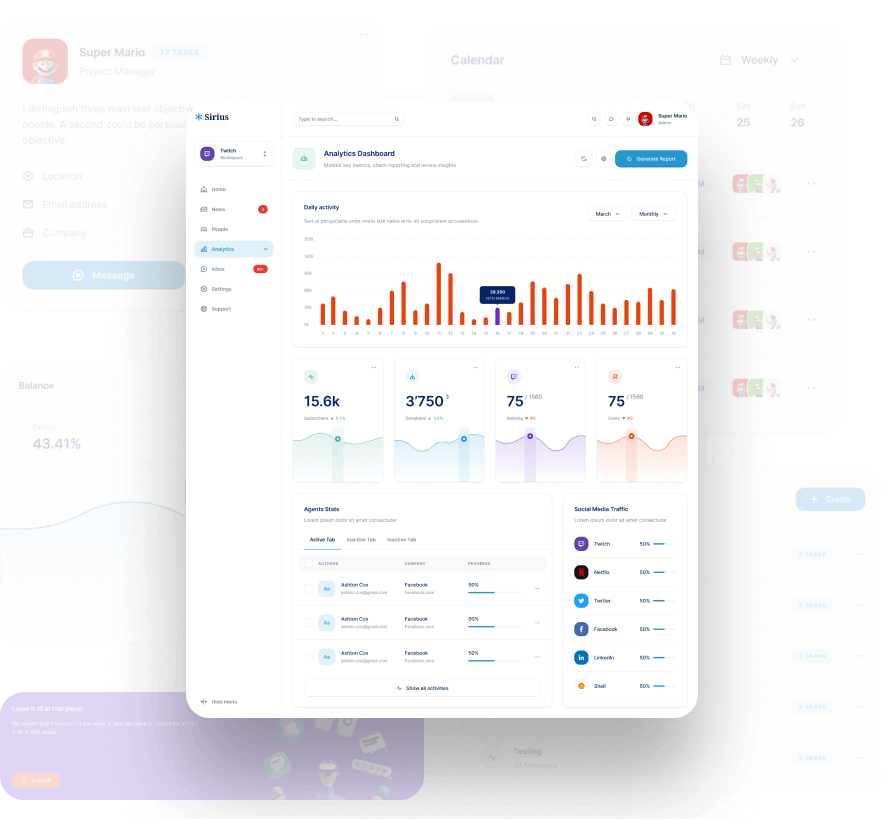


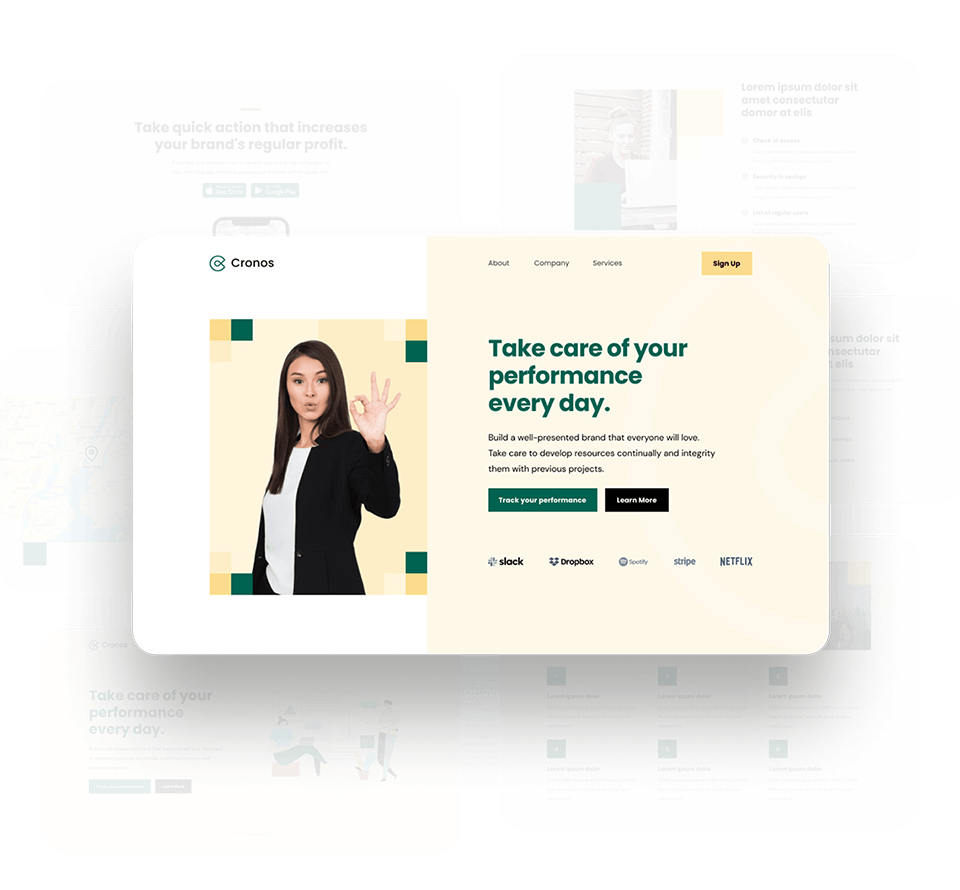

Calm colors combined with modern components will look well in any project. The elegance of the overall template will highlight the confidence of the organization that chooses it.
Open In Editor
If you need to build your template completely from scratch, Plain Bootstrap 5 is the perfect starting point. With 180+ components, you can build your website layout in no time.
Open In Editor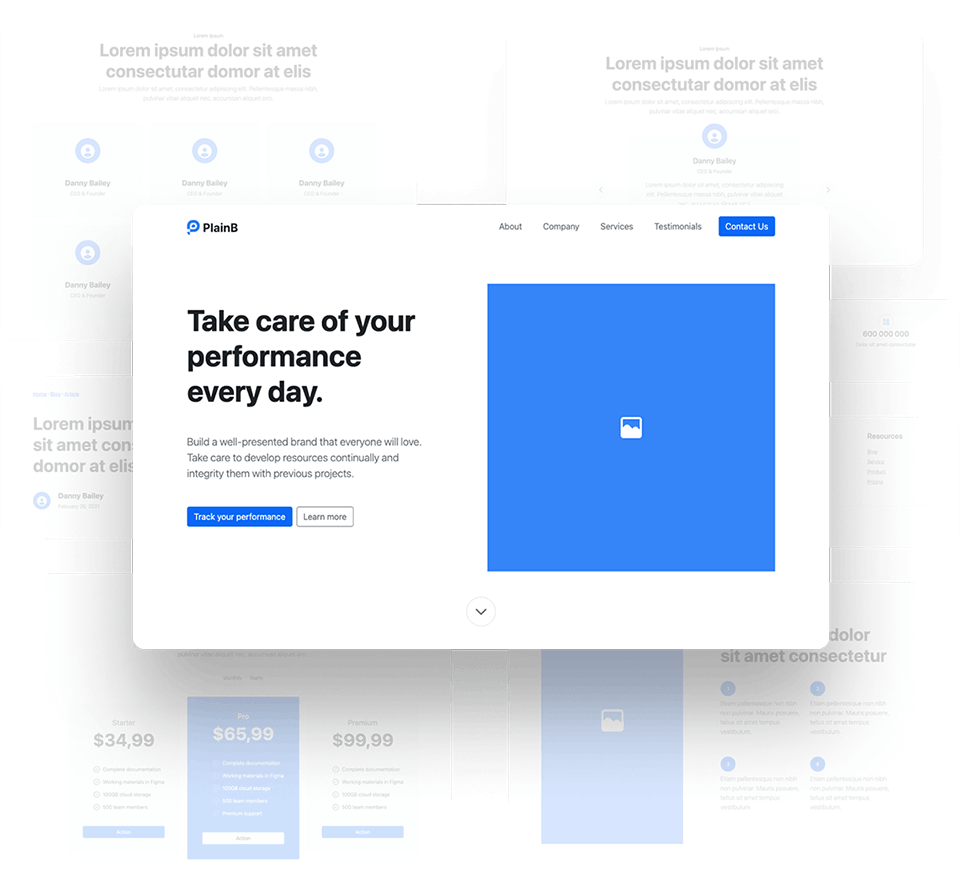
It’s an editor that will save you hours of work with an intuitive drag and drop interface and hundreds of pre-made UI components.
We've combined the best of low-code with full customization. With Shuffle you will work faster and your work will be more fun!
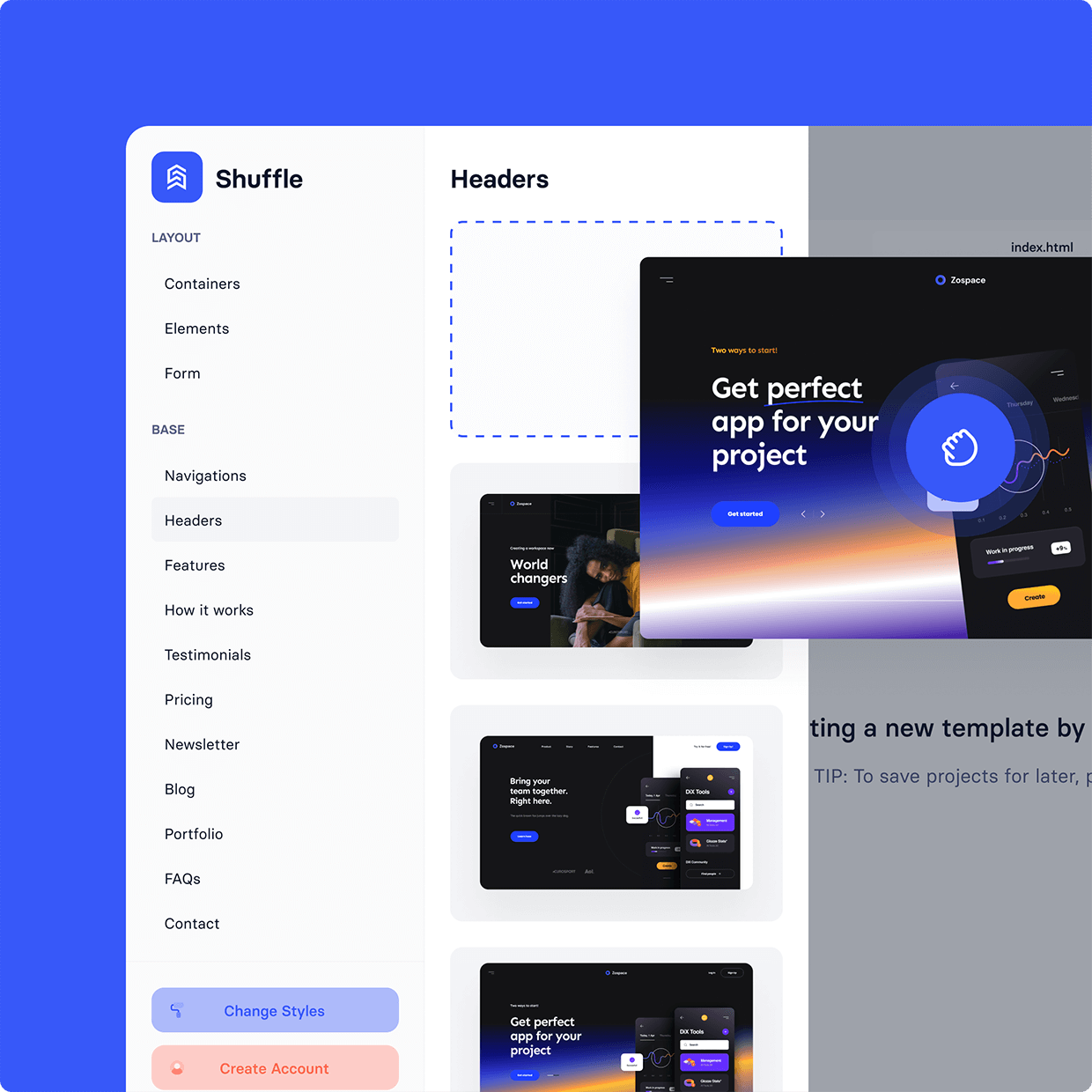
In these four easy steps you will build and export a beautiful Bootstrap template.
You can choose from different templates to modify the basics and create something unique!
We add new features based on your feedback. All this to make your work easier and more enjoyable.
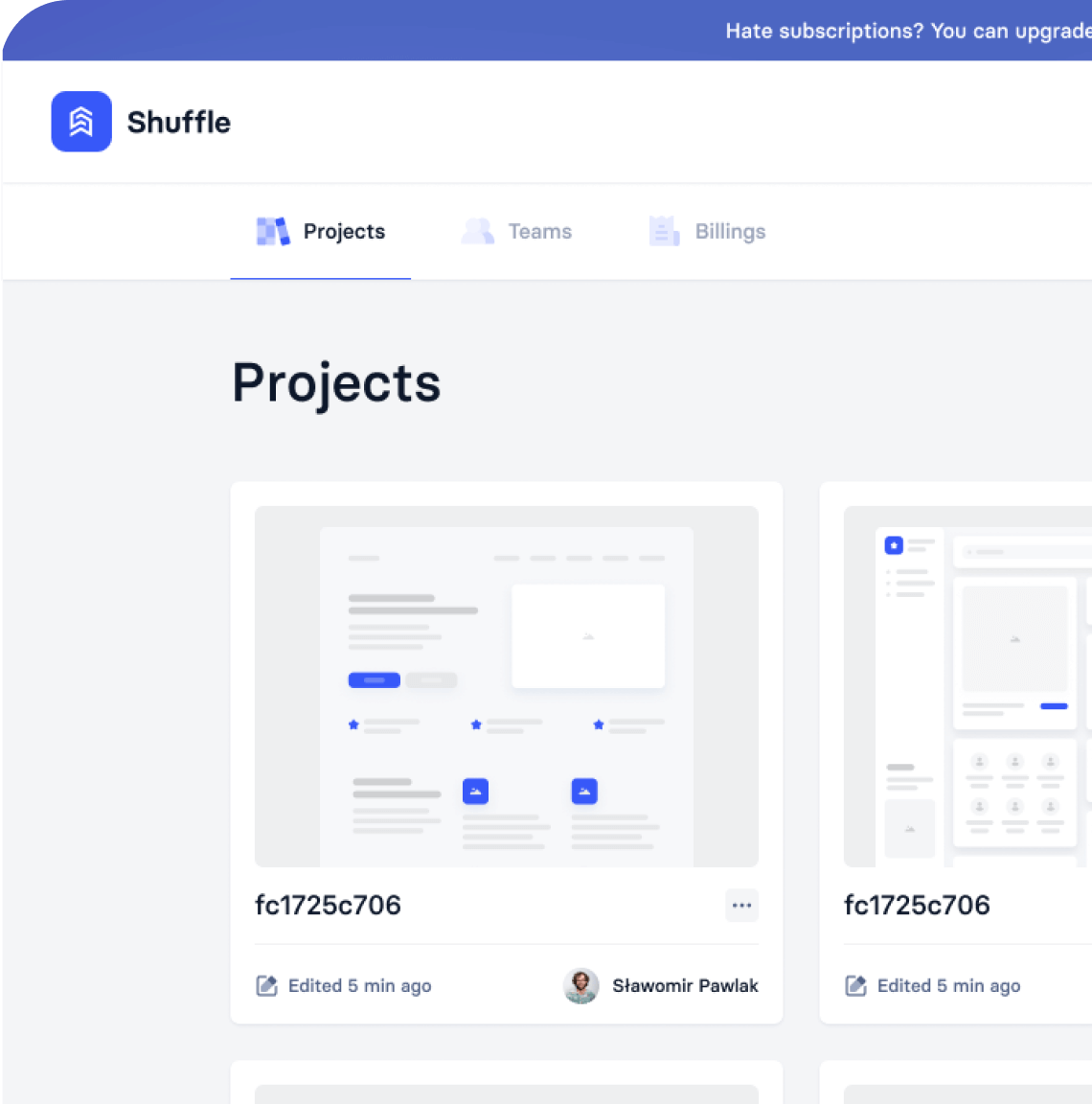
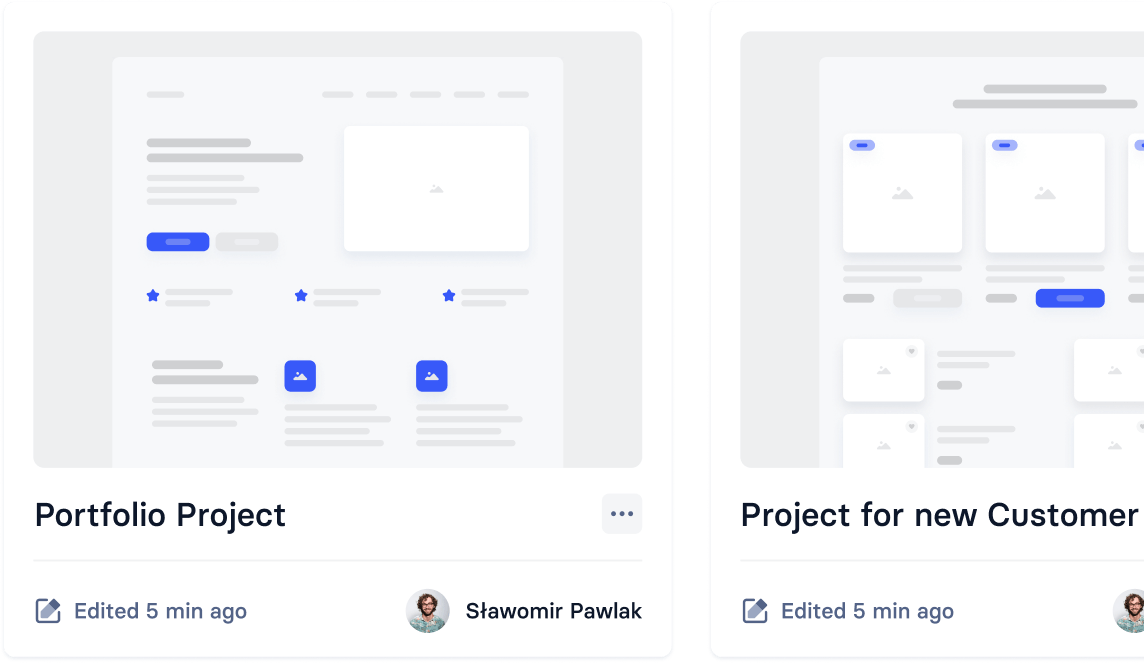
With our UI libraries, you can choose the style you want to work with. Change, move, and adapt the design to your vision. Increase your productivity as a developer!

Build websites faster with an AI Visual Editor



© 2026 Shuffle. All rights reserved.
See what you're getting before you commit.
Switch the editor to Grid and every page of your project appears side by side on one canvas. Arrange them freely, zoom in and out, and add as many new pages as you need in a few clicks.
Describe what you need in one chat and the Agent does the rest: it adds new sections, edits copy and styles, moves blocks around or removes them across your whole page. No modes, no switching, just tell it what to change.
Not quite there yet? Ask for tweaks like missing assets, your logo or other details, and regenerate the design without starting from scratch.